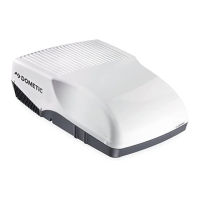
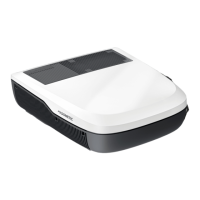
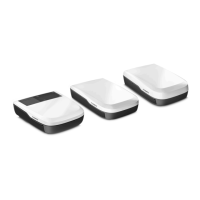
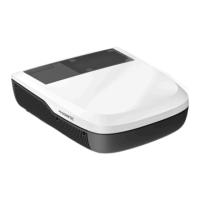
FreshJet3000 Operating the roof air conditioner
19
✓ The switch-off time is set on the roof air conditioner.
Switch the roof air-conditioner to Stand-by.
Cancelling timer settings
If you have set the timer, you can cancel these settings as follows:
➤ Press the button once.
✓ The timer symbol disappears.
✓ The setting has been cancelled.
7.10 Activating the sleep function
I
When the sleep function is activated, the compressor speed and the fan speed is
limited to a lower level to reduce the noise levels for easier sleeping.
➤ Set the required temperature (see chapter “Setting the temperature” on
page 17).
➤ Press the button.
✓ The symbol appears in the display.
The sleep function is activated.
➤ To deactivate the sleep function press the button again.
I
7.11 Operating the ambient lights
I
Switching the lights on/off with the control panel
➤ Briefly press the button to switch the lights on or off.
NOTE
The sleep function is only available in “Cooling” ( )" or “Heating” ( )
modes.
NOTE
The sleep function is deactivated if the MODE button is pressed.
NOTE
The button on the remote control is active even if the remote control
is switched off.
FreshJet3000-OPM.book Seite 19 Donnerstag, 27. Februar 2020 4:17 16


 To Next Page
 Loading...