3
2Technical description
2.1 Power display
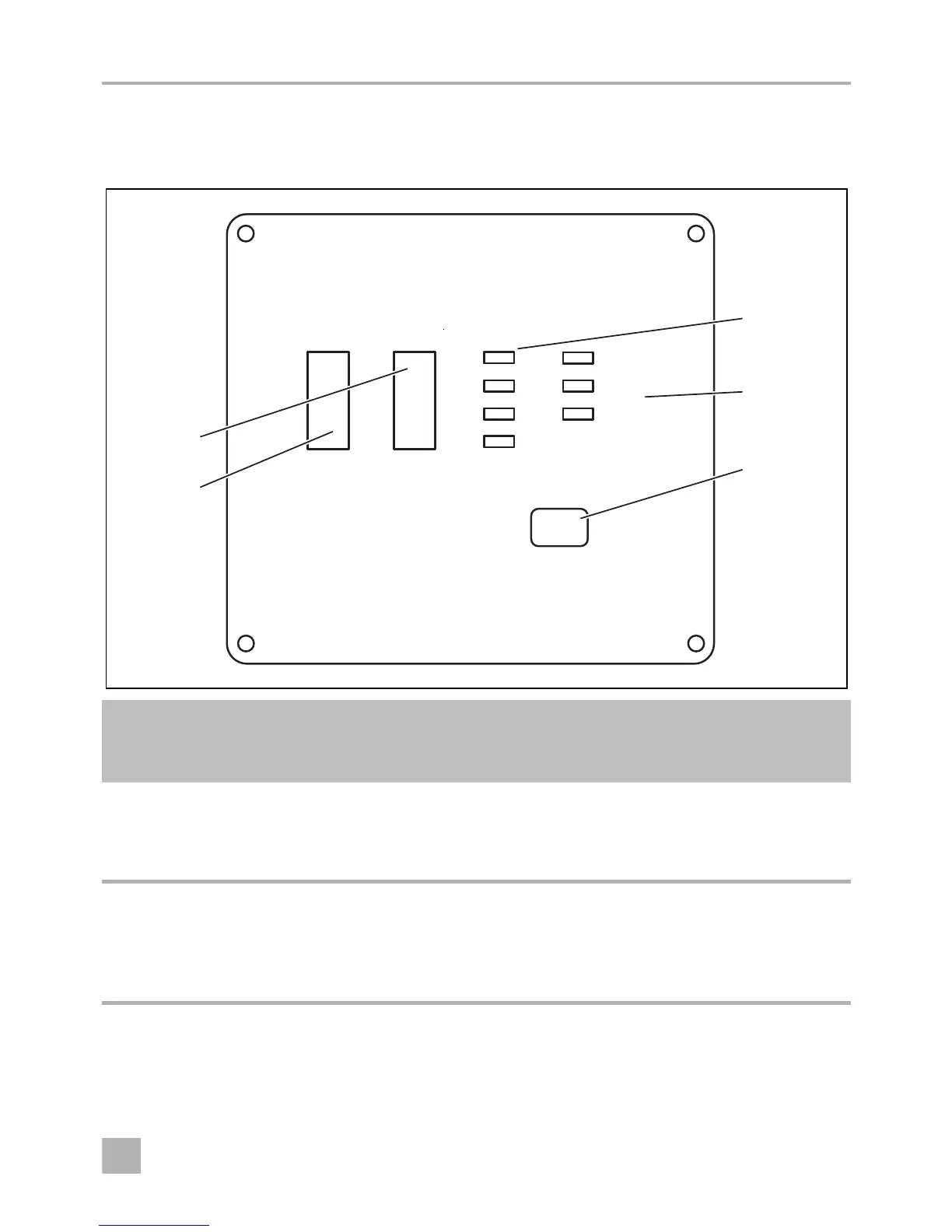
No. in
fig. 1,
page 3
Description Meaning
1Battery This bar graph shows the battery voltage in volts.
The display should be in the green area. If the display is above
or below in the red area, a warning tone sounds, the display
flashes and the inverter will be switched off.
2Output PowerThis bar graph displays the output power received by the
appliance as a percentage.
The display should be in the green or orange area. If the display
goes over into the red area, a warning tone sounds, the display
flashes and the inverter will be shut off.



 To Next Page