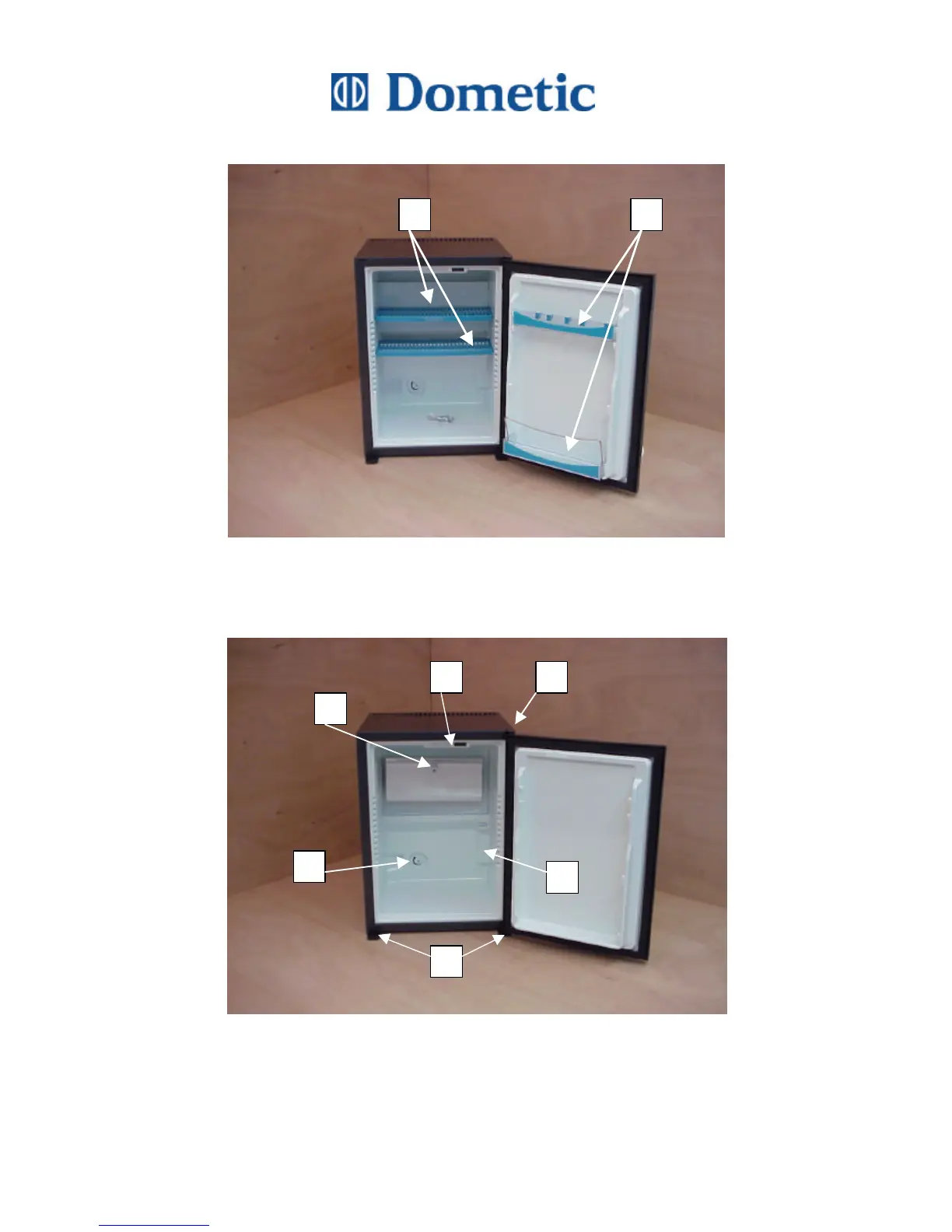
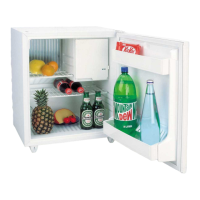
Illustration 1
1. Remove the racks and the shelves.
2. Remove the door racks.
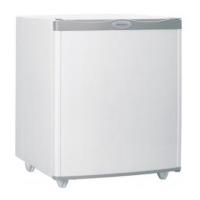
Illustration 2
3. Loosen and remove the thermo-sensor.
4. Unscrew the feet.
5. Remove the thermo-knob.
6. Unscrew and remove the evaporator cooling fins.
7. Remove the interior light.
8. Unscrew and remove the door.
1 2
6
8
3
5
7
4



 To Next Page