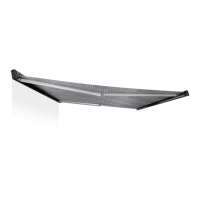
Cleaning and maintenance PR2000, PR2500
22
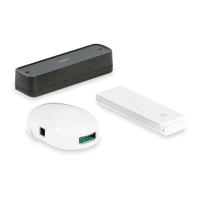
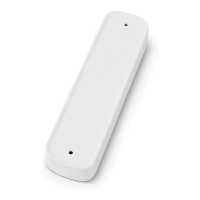
7.5 Replacing the batteries of the remote control and the
wall switch (only PR2500, optional)
I
➤ Open the housing (fig. e 1, page 9).
➤ Remove the old battery from the holder.
➤ Insert a new battery (type CR2450 for remote control, type CR2430 for wall
switch, fig. e 2, page 9) into the holder with the positive terminal facing
upwards.
➤ Reassemble the remote control or wall switch.
B
Protect the environment!
Do not dispose of any batteries with general household waste.
Return defective or used batteries to your retailer or dispose of them at
collection points.
8 Cleaning and maintenance
8.1 Cleaning
A
➤ Remove any debris (twigs, leaves or similar) lying on the awning fabric to prevent
abrasions, stains and mildew. The awning can also get damaged when it is
retracted.
➤ Clean the awning fabric regularly to remove any dirt and dust:
– To do this, use water with 30 ml detergent and 30 ml bleach for 10 l of water.
– Soap down the fabric and leave the liquid to soak in for five minutes.
– Rinse thoroughly with clean water.
Make sure that the detergent with the bleach is completely washed off.
Otherwise it can damage the fabric.
– Leave the fabric to dry.
NOTE
If the LED of the remote control does not light up after pressing one of
the buttons, the remote control battery is flat.
NOTICE! Risk of damage!
• Never clean the awning with a high-pressure cleaner.
• Do not use abrasive cleaning agents or hard objects during cleaning,
as these can damage the product.
PR2000_PR2500-O-16S.book Seite 22 Donnerstag, 5. Oktober 2017 10:23 10



 To Next Page
 Loading...