20
5.11 Changing the decor panel
Remove the lateral ledge (1) the door
(ledge is attached, not screwed).
Shift decor panel (2) away from the door
and insert the new decor panel. Re-attach
ledge (1) .
Refrigerator operation
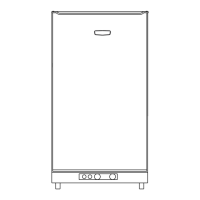
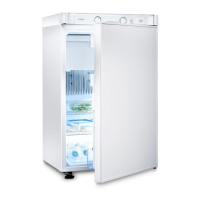
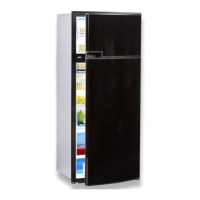
Fig. 26
Fig. 27
Fig. 25
1
2
Decor panel dimensions :
299.5 +/- 0.5 mm 507 +/- 0.5 mm max. 1.7 mm
Upper door
Height Width Thickness
907.5 +/- 1 mm 507 +/- 0.5 mm max. 1.7 mm
Lower door
Height Width Thickness
CAUTION!
3
4
2
1
Decor panel with frame
289 0317-90_2_EN_RGE4000_N1_Layout 1 03.02.2014 11:47 Seite 20



 To Next Page
 Loading...