20
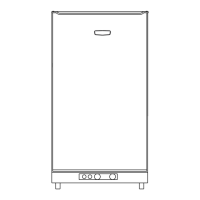
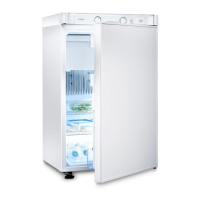
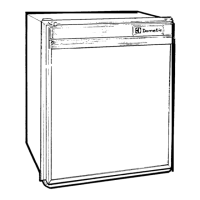
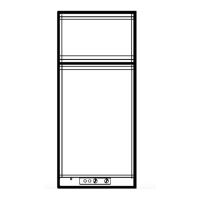
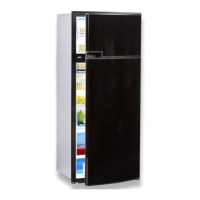
5.11 Changing the decor panel
n Remove the lateral ledge (1) the door
(ledge is attached, not screwed).
n Shift decor panel (2) away from the door
and insert the new decor panel. Re-attach
ledge (1) .
Refrigerator operation
Fig. 26
Fig. 27
Fig. 25
1
2
Decor panel dimensions :
299.5 +/- 0.5 mm 507 +/- 0.5 mm max. 1.7 mm
Upper door
Height Width Thickness
907.5 +/- 1 mm 507 +/- 0.5 mm max. 1.7 mm
Lower door
Height Width Thickness
CAUTION!
3
4
2
1
Decor panel with frame
289 0317-90_2_EN_RGE4000_N1_Layout 1 03.02.2014 13:36 Seite 20



 To Next Page
 Loading...