13
Interior light
Changing the light bulbs
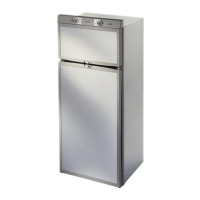
Changing the decor panel
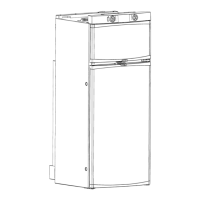
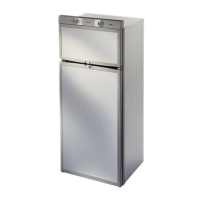
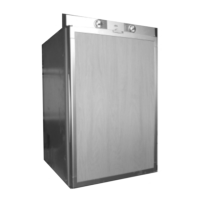
Dimensions of the panels in mm:
Model Height Width Thickness
RM 7601/ RM 7605 (
flat door
) 857,0+/-1 491,5+0/-1 3,2 max
RM 7801 / RM 7805 252,5+/-1 491,5+0/-1 3,2 max
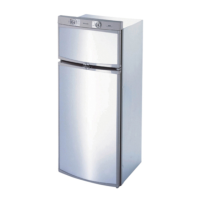
RM 7651/ RM 7655 (
curved door
) 868,0+/-1 500,0+0/-1 2,5 max
RM 7851 / RM 7855 263,0+/-1 500,0+0/-1 2,5 max
5.9
5.10
1. Remove cover.
2. Detach defective light
bulb.
3. Fit new light bulb
4. Clip the cover back in
place.
90°
1.
2.
Note:
For 12V DC :
1 light bulb 12V, 2W
Please contact Dometic Service Centres for
replacement light bulbs.
1. Upper door
- remove the two screws holding the control panel
- unsrcew upper hinge pin (A) and remove the door
- unscrew upper part of the door frame and the panel
- insert new panel and fasten upper part of the door
frame
Please note: Carry out following steps BEFORE moun-
ting the upper door.
2. Lower door
- unscrew both screws of the middle hinge pin (B)
- Pull out door and hinge in an upwards direction
- unsrcrew lower part of the door frame and remove the
decor panel
- insert new panel and fasten lower part of the door
frame
- insert lower door and fasten the middle hinge
- insert upper door and fasten the upper hinge pin (A)
- replace the control panel
B
A



 To Next Page
 Loading...