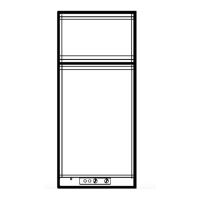
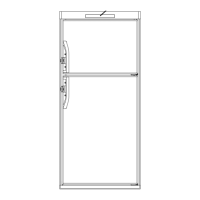
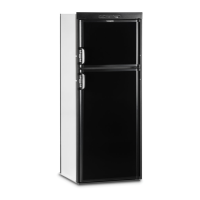
To install the door panel, follow these steps:
Remove the decoration strip by inserting a fi nger in
the plastic profi le and pull.
Open the door 90 degrees.
Insert the door panel’s edges into the grooves of the
door frame. Push the panel sideways until the edge
of the panel is fi tted into the opposite side groove.
Snap on the decoration strip.
To replace a mounted door panel, follow these steps:
Detach the handle by using a fl at blade screwdriver
to gently push the two tabs away.
Remove the decoration strip, according to the previ-
ous instruction “To install the door panel”, step 1.
Install the new panel according to the previous in-
struction “To install the door panel”, steps 3-5.


 To Next Page
 Loading...