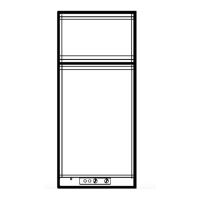
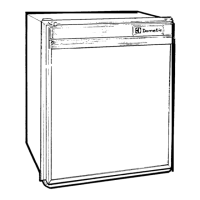
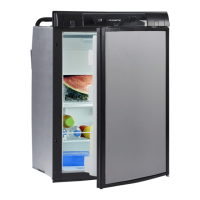
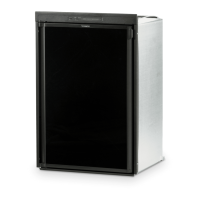
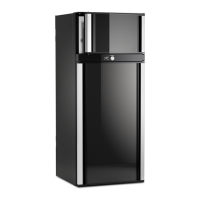
Using the refrigerator RMD10
26
6.10 Fan operation (optional)
For fan operation the optional fan must be installed.
When switching on the device, the fan is switched on for a short time (function test).
During the device‘s operation the fan only switches on:
• When the ambient temperature is above 32 °C.
• When the set cooling temperature is not reached within 2 hours.
• RMD10.5T, RMD10.5XT: When the fan function is activated.
I
RMD10.5T, RMD10.5XT
The fan operation is indicated by the symbol .
6.11 Setting the cooling capacity
I
➤ Set the cooling capacity:
– RMD10.5T, RMD10.5XT: Select the desired temperature level in the cool-
ing capacity menu.
– RMD10.5, RMD10.5X, RMD10.5S, RMD10.5XS: Repeatedly press
until the desired temperature level is selected.
NOTE
RMD10.5T, RMD10.5XT: In delivery state, the fan function is
activated.
RMD10.5, RMD10.5X, RMD10.5S, RMD10.5XS: The fan function is
always activated and can not be deactivated.
NOTE
For ambient temperatures of +15 °C to +25 °C, select the average cool-
ing capacity.
RMD10-O-WEST.book Seite 26 Donnerstag, 14. Mai 2020 1:16 13


 To Next Page
 Loading...