37
EN
RV So Start Accessory Installation
qq
ww
69 Supply and compressor harness connected to the device
q
Supply harness
connected to device
w
Compressor harness
connected to device
8. Connect the supply and compressor harness
connectors to the device.
9. Reinstall the cap onto the compressor.
10. Place the plastic washer on the mounting stud
between the cap and the nut.
11. Tighten the 5/16 in. nut until it is snug.
8.4.12 Securing the harness to device
NOTICE: Failure to route the wires correctly can result in
damage to the AC condenser fan blade.
qq
ww
70 Compressor harness routed over the device
q
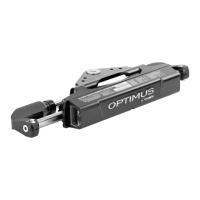
Device
w
Indicator LED’s
1. Retrieve the two 14.5 in. wire ties from the installation
kit.
2. Route the compressor wire harness over the device.
3. Secure harness in place using the two 14.5 in. wire
ties.
I
Route the wire ties around the device only and
not the mounting bracket.
4. Ensure that the Power On and the Fault LED indicator
LED’s are still visible before securing wire ties.
5. Trim off the excess wire tie off aer tightening.



 To Next Page
 Loading...