44
DO23101
EN
3. Press start to start the desired setting.
VENTILATION FUNCTION
This function ventilates the microwave to remove odours from a previous dish so the taste of your meal is
not aected. You can use this after preparing dishes with strong smells or if the food smokes.
1. Cleaning the appliance.
2. Press the ventilation button. The programme starts automatically and lasts 5 minutes.
3. You will hear a signal once the ventilation function has nished. The appliance then returns to
standby mode.
AUTOMATIC COOKING PROGRAMME
The appliance is equipped with 8 dierent automatic cooking programmes.
1.
Press the automatic cook programme button or turn the rotary knob to the right.
2.
Turn the knob to the right to select a program. The display will show “A1” to “A8”.
3.
Select one of these programmes and press start.
4.
Turn the knob once more to set the desired weight.
5.
Press start to start the desired setting.
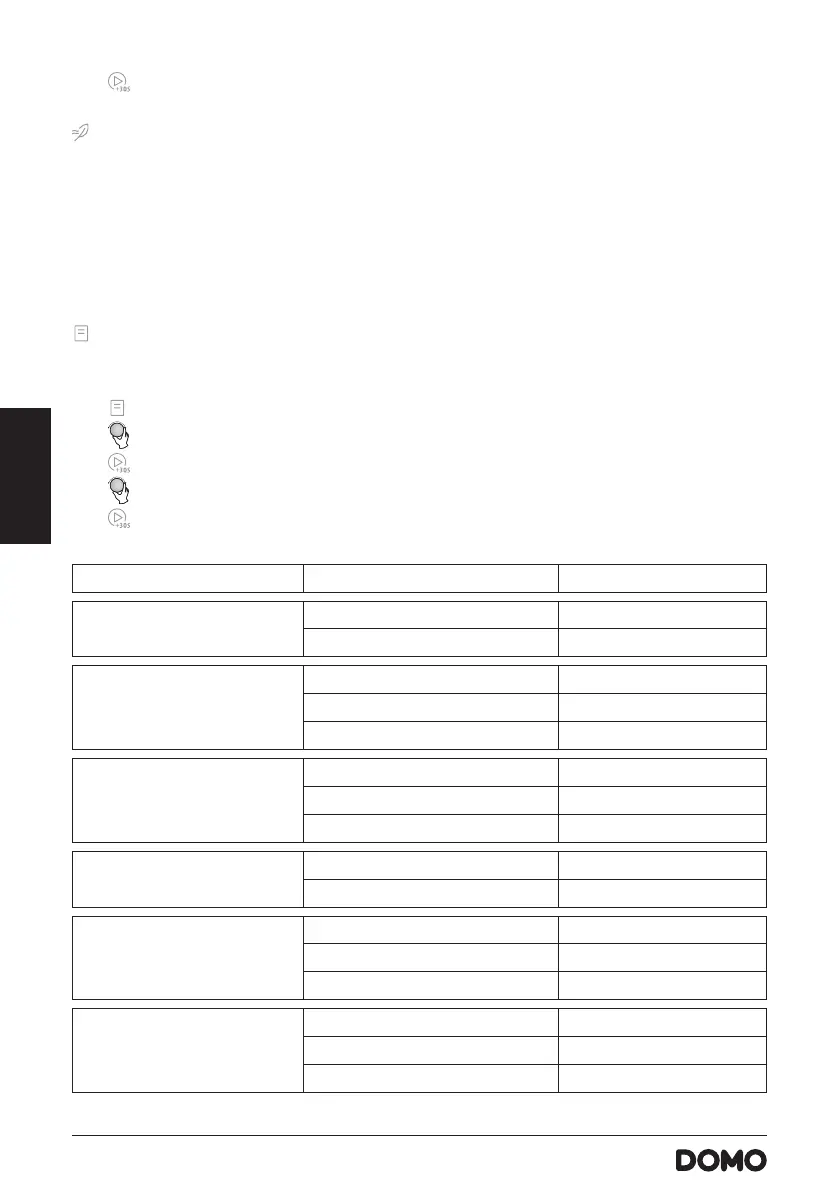
MENU WEIGHT DISPLAY
A1 - Warm up 200 g 200
400 g 400
A2 - Meat 250 g 250
350 g 350
450 g 450
A3 - Vegetables 200 g 200
300 g 300
400 g 400
A4 - Pasta 50 g (with 450 ml cold water) 50
100 g (with 800 ml cold water) 100
A5 - Potatoes 1 piece (± 230 g) 1
2 pieces 2
3 pieces 3
A6 - Fish 250 g 250
350 g 350
450 g 450



 To Next Page