Main Unit
Introduction
Interface
Turn on the power source, and then press
[Power] key on the machine. The screen will
display the prompts about touch screen
calibration. Press [Hot] key (refer to the
section “Calibrate Touch screen” for detailed
steps) if you want to make calibration,
otherwise, you can wait until it displays the
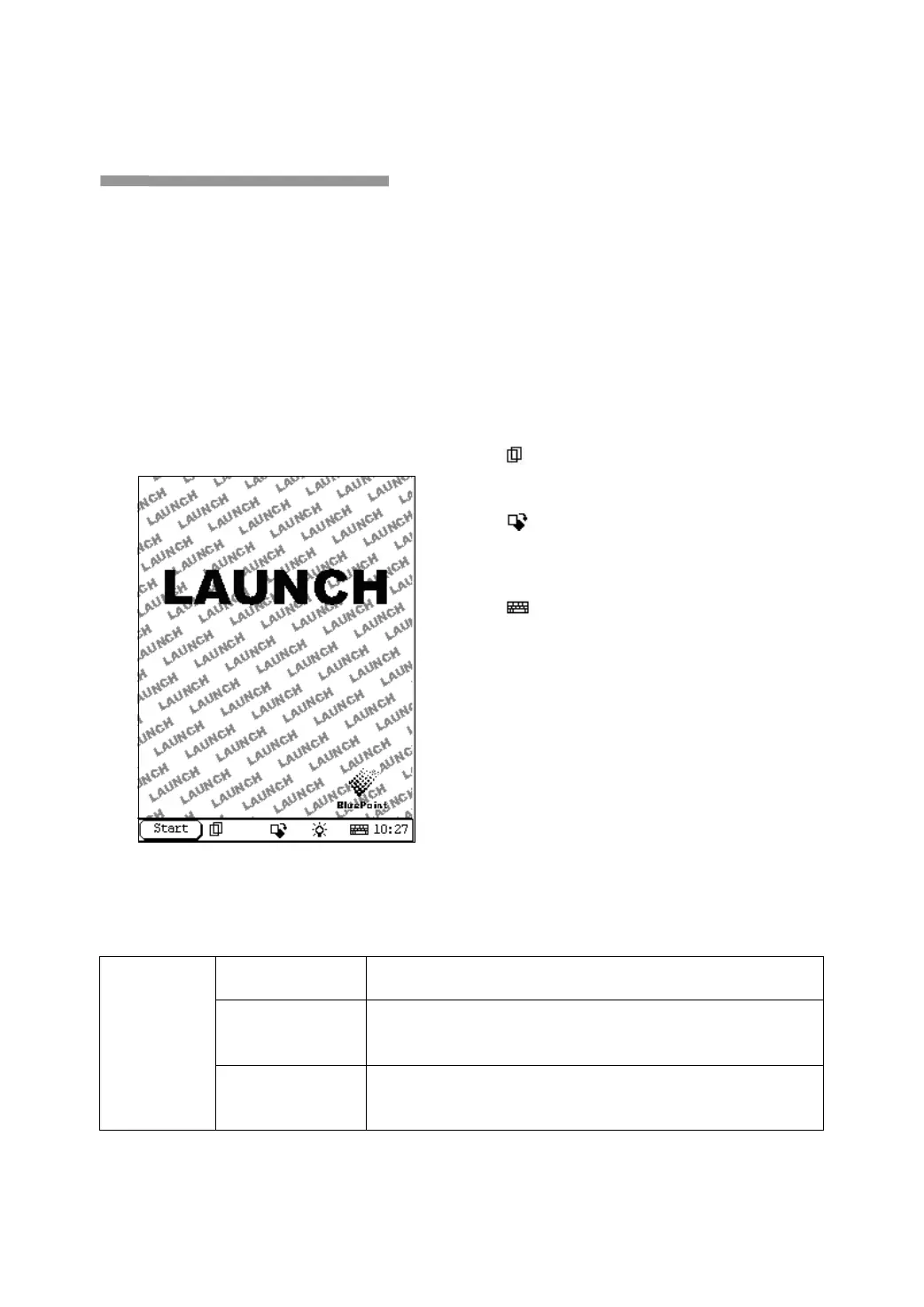
start interface as shown in Figure 4-01.
Figure 4-01
Note:
An interface for User Register will be
displayed when the machine is started at
first time. Refer to the section “User
Register” for detailed steps.
When you want to turn off the machine, press
and hold [Power] key for at least 2 seconds.
[Start] button: Its function is the same as that
in Windows. Click it to pop up the start menu.
The items and their respective functions in the
menu are shown in the following table.
[
] Active Taskbar Icon: Click it by stylus to
display and switch the executed programs.
[
] Overturn Icon: Click it by stylus to
overturn the menu at 180 degrees
[
] Soft Keyboard Icon: Click it to activate
the soft keyboard. Then you have two ways to
choose:
1. Input by soft keyboard;
2. Input by writing board.
Functions:
PIM
(Personal
Information
Management)
Memo
To record all kinds of important information and ideas, and make
corresponding classification.
Address
To store the detailed information of relative, friends, colleagues
and business partners, which can be easily edited, retrieved and
To Do
It is convenient for user to record the business to do or being
done, to delete or add task records, to arrange the priority of
tasks, and to browse the classified tasks.


 To Next Page
 Loading...