3) If you want to return to simple calculator,
please click 'X' button at the top right
corner to close the current interface.
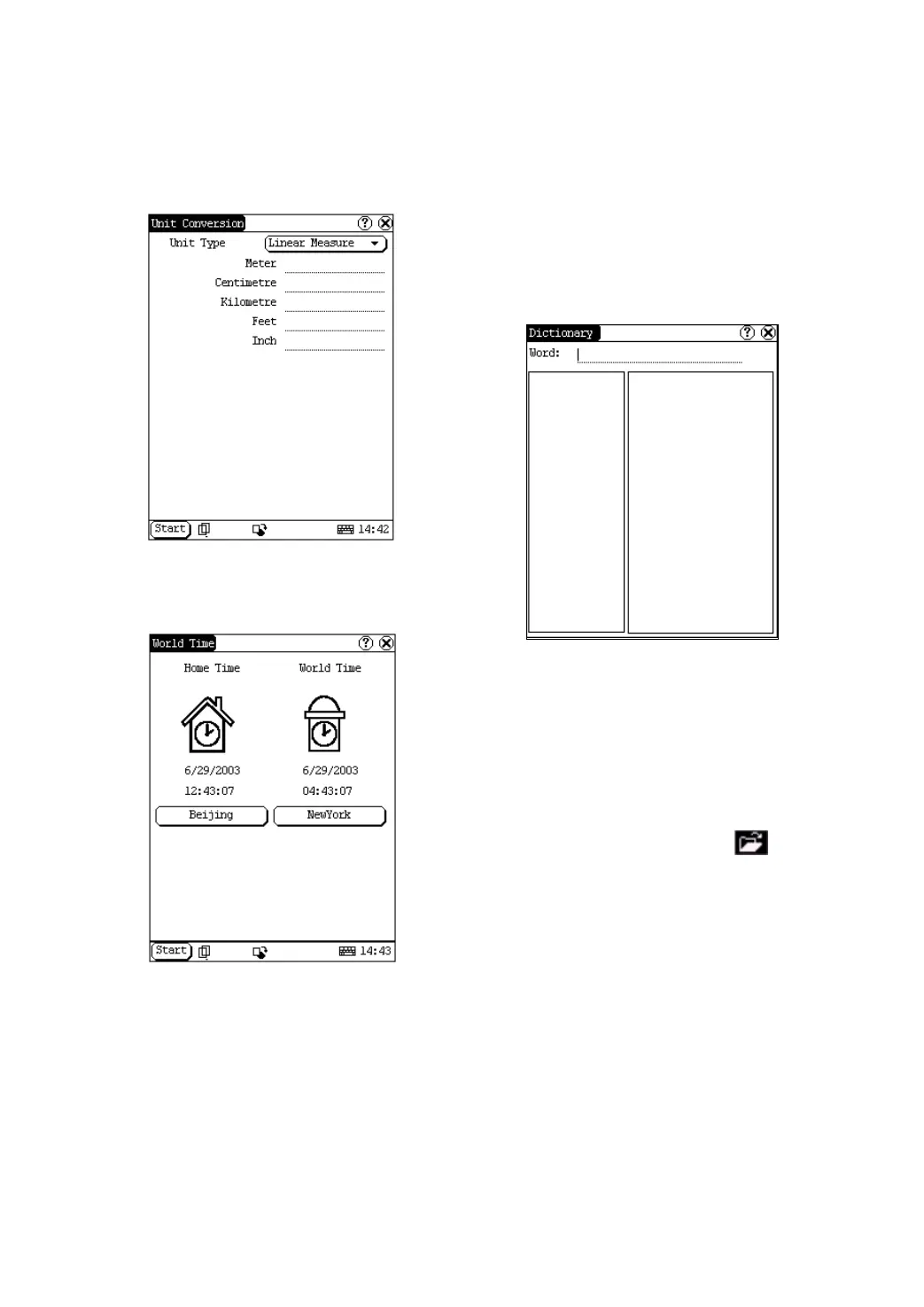
Figure 4-10
World
Time
Figure 4-11
1) In the pop-up menu of ‘Tools’, select
‘world time’ to open the world time
interface.
2) Click the button under the ‘Home Time’
icon to select region.
3) Click the button under the ‘World Time’
icon to select region.
4) Then you can see the time directly. (See
Figure 4-11).
Dictionary
1) In the pop-up menu of ‘Tools’, select
‘Dictionary’ to open the Dictionary
interface. (See Figure 4-12)
2) Activate Soft Keyboard, and input words.
3) Select the word from the list on the left.
4) Click the word, and then you can find the
translation in the right list.
Figure 4-12
Picture View
1) Click [Start] button.
2) Select ‘Tools’ in the pop-up menu. (See
Figure 4-13)
3) In the pop-up ‘Tools’ list, select ‘Picview’ to
open the Picture interface.
4) In the Picture interface, click
icon in
the toolbar on the top. (See Figure 4-14)
5) Select directory from the left list interface.
6) Select file from the right list interface.
7) Click [Parent Dir] button, and you can see
the directory of current directory’s parent.
8) You can see the directory of the picture at
the right side of ‘Path’.
9) You can see the file name of the picture at
the right side of ‘File’.
10) Click [OK] button to open the picture.


 To Next Page
 Loading...