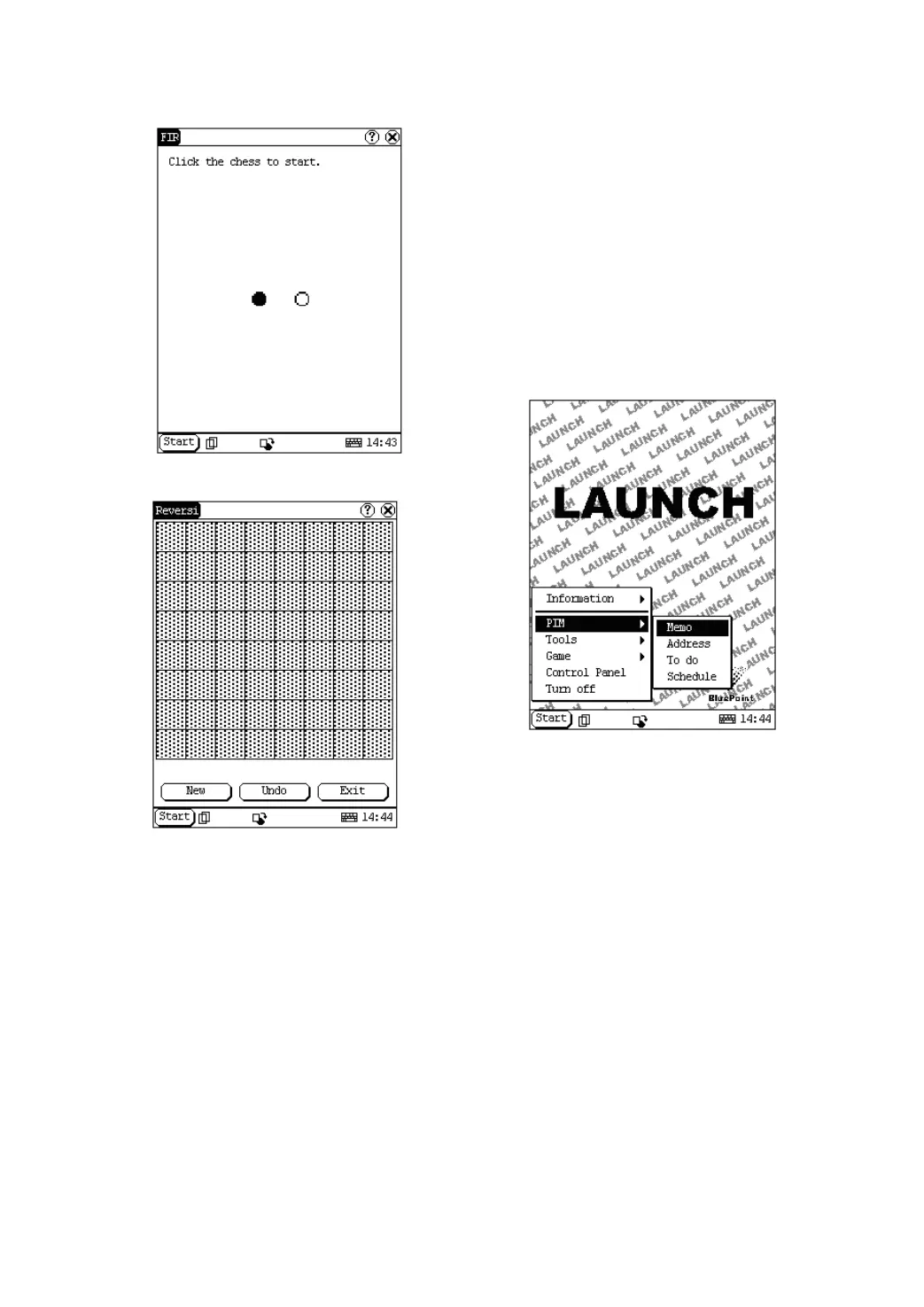
Figure 4-16
Figure 4-17
Reversi
1) In the pop-up menu of ‘Game’, select
‘Reversi’ to open the Chess Board. (See
Figure 4-17)
2) Click [New Game] button to start.
3) Click [Undo] button for pull back.
4) Click [Close] button to close the Chess
Board.
Rule:
The one who chooses white chessman can play
first. All black chessmen between two white
chessmen will turn to white ones and all white
chessmen between two black chessmen will
turn to black ones. So the player should be able
to reverse adversary‘s chessmen in each step.
When the chessboard is full of chessmen, the
number of the chessmen for each color should
be counted. The one who conserve more
chessmen on the chessboard is winner.
PIM
1) Click [Start] button.
2) Select ‘PIM ’ in the pop-up menu.
3) Select the function needed in the pop-up
list. See Figure 4-18.
Figure 4-18
Memo
The basic functions of Memo include: add new
memo, view memo, delete memo, browse by
types, etc.
1) In the pop-up ‘PIM’ list, select ‘Memo’ to
open the Memo interface. (See Figure
4-19)
2) After you click the [▼] button on top right
corner, the type list will pop up. Then you
can select the type of the memo.
3) You can also select the Edit Group in the
type list to open the Edit Group interface.
4) The memo list of corresponding type will
be displayed in the list box on the midst of
the Memo interface.
5) Click one memo in the memo list to open
the Memo Edit interface.
6) Click [New] button to open the New Memo
interface.


 To Next Page
 Loading...