Looper
ARENA2000 can record your playing and create loop phrases that are up to 60 seconds long by built-in looper.
Press the LOOP button to enter/exit the LOOP interface. The “LOOP” is at the end of the effect chain, so any effects you use in presets can be recorded in the LOOP.
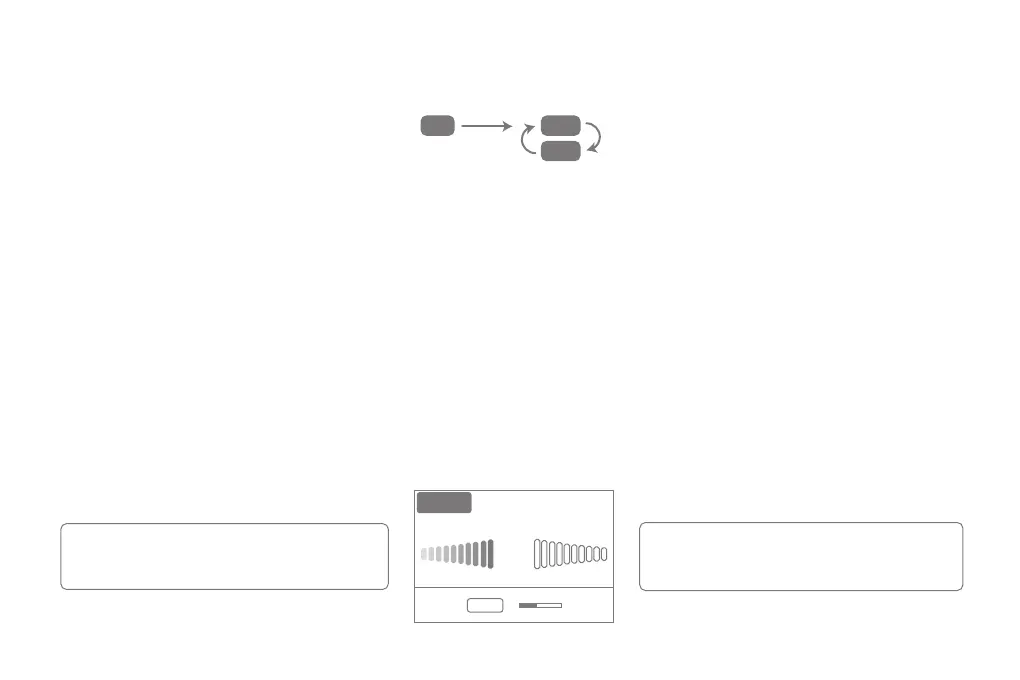
Footswitch A: Footswitch A: Press for the first time to start the first layer recording, press for the second time to start the loop playback, then press again to add overdubbed recording.
Footswitch B: Press once can stop playback, press and hold for 2s can clear the recorded loop.
Footswitch C: Three effects can be controlled: Reverse/Double Speed/Half Speed or can set to “Exit” function to return to the preset mode, which allows you to use the LOOP and still
switch the presets with the footswitch.
Tips: By setting a CTRL footswitch to enter LOOP in Control Mode, you can re-enter the LOOP interface from the preset page without pressing the LOOP button.
Drum Machine
ARENA2000 has 40 built-in drum styles that can be used with LOOP to create a one-man-band effect!
① Press the DRUM button to enter/exit the DRUM interface.
② Use the Value Knob to select the rhythm type.
③ Footswitch A controls Play, Footswitch B controls Stop. Footswitch C controls Tap.
④ Users can rotate the Value Knob to change tempo. The tempo range is from 40BPM-240BPM. (Note: The BPM of the drum is an independent BPM parameter that is not shared with
the preset BPM)
Tuner
There are 3 methods to enter the tuner page.
① Press the TUNER button on the panel to enter the tuner page, and then press any footswitches to return.
② Set a CTRL footswitch to enter the tuner page and press it again to return.
③ Under the Preset Switching Mode (the ring of footswitch lights up white), long-press this footswitch to enter the tuner page and press it again to return.
Tune: Set the A4 Range: 435 Hz - 445 Hz. The default is
440 Hz. Adjust by rotating the
Value Knob
.
Muted/Bypass: Use the Value Knob to switch modes.
Bypass mode outputs dry signal while the muted mode
allows silent tuning.
TUNER
Muted
440Hz
Tune
a
#
09
PLAY
DUB
REC


 To Next Page
 Loading...