INPUT
USB Audio
FX Trail
Screen
MIDI
Info
Reset
BLE Lock
Default is 0dB,Range:-60dB to +6dB. Some high output guitars may overload the input and cause distortion, so you may want to reduce the input level.
The level of Rec Vol and Play Vol, Left and Right output (Dry or Effect)
The Trail of Delay and Reverb keeps or not when switching presets.
Brightness
Set the PC and CC of MIDI IN to match the corresponding preset
Firmware version
Factory Reset (All data will be deleted! Make sure to back up data before restoring factory reset.)
The App will not be able to operate the ARENA2000 when BLE Lock is enabled.
The ARENA2000 works as a USB audio port for your computer, allowing you to record your musical instrument and playback sounds in your computer.
● Set the input/output device as “ARENA2000 Audio” according to the recording software you are using.
● When recording an instrument via ARENA2000, please enter SYSTEM > USB AUDIO and set the left and right outputs of ARENA2000 to DRY or EFFECT, as well as
setting the recording and playback volumes.
Connect External Midi Devices
① A five-pin midi in socket can send MIDI data to external MIDI-compatible devices via a MIDI cable.
② Press SYSTEM > MIDI to enter the MIDI control interface, you can see the PC and CC control list and adjust the PC code corresponding to the presets.
System Global Settings
Press the
SYSTEM
button to enter global settings, the controlled parameters are valid and saved for all presets.
11
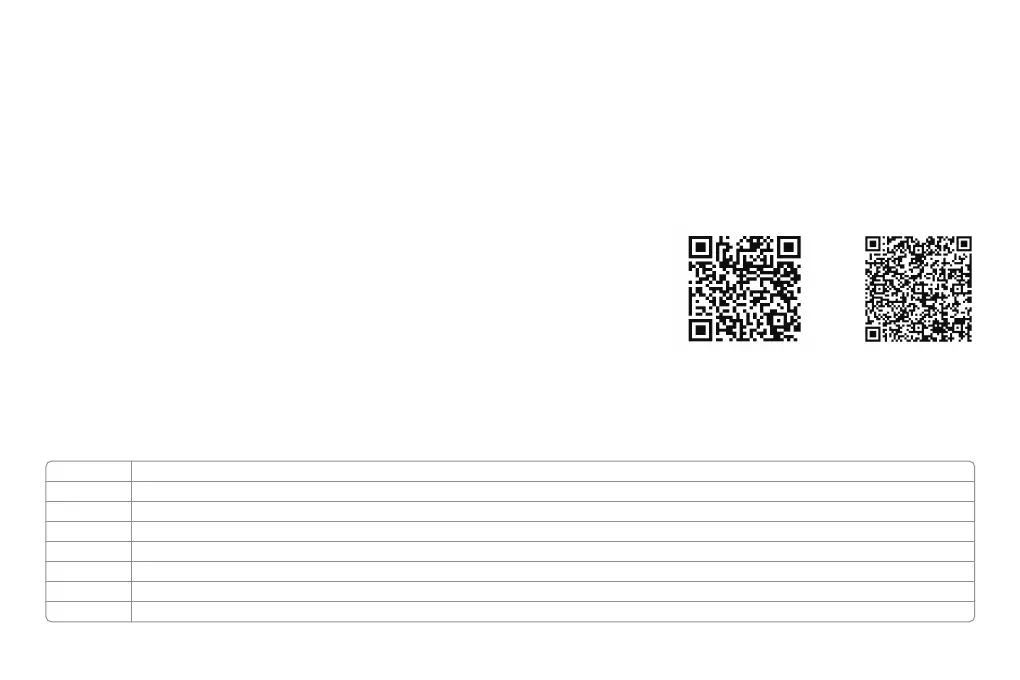
Mobile App for Bluetooth wireless Tone Editing
① ARENA2000 allows users to edit tone and presets through Mobile APP Bluetooth (Smartphones and tablets).
② To avoid misconnection during use, users can lock Bluetooth on the ARENA2000: SYSTEM > BLE Lock.
Once locked, the App will not be able to operate the ARENA2000.
③ Download the App: 1. Scan the QR code. 2. Search “ARENA2000” on the Google Play.
FAQ:
1. If ARENA2000 cannot be recognized as an input or output device in your DAW software on Windows, please install the latest ASIO4ALL driver and use it.
2. Make sure that your USB docking station can output a current of 1000mA or more if your computer with only a USB-C port. Because when multiple devices are connected to
a USB docking station, the ARENA2000's USB port may not have enough allocated current and the device will stop functioning correctly.
For IOS For Android



 To Next Page
 Loading...