5
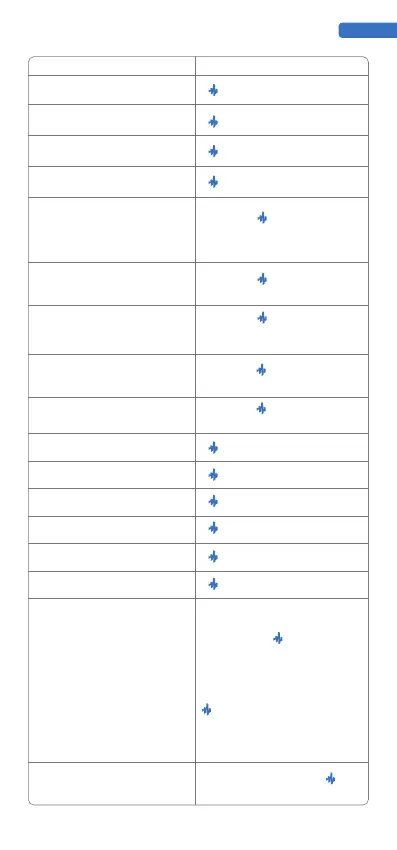
Function Corresponding buttons
ENGLISH
Enable Loop recording
Play/Pause Loop
Stop recording
Clear the loop for the current voice mode
series of red lights run from PAD1 to PAD8
to complete the current track clearance
MEDO
Press and hold , and continuously tap
least three times
To adjust the individual volume for Drum,
Bass, Chord, Lead, and sample, First, press
select the track you want to adjust from
PAD1 to PAD5. Finally, press the volume
control to adjust the track volume. For
example, to decrease the volume of the
BASS track: first, press and hold the button
PAD2 to select the BASS track, and finally
press the volume down button to adjust the
volume of the single track.
In recording mode, press and hold + BPM
for 2 seconds
to the right
to the left
Clear the loop for all modes
Change BPM
Octave up
Octave down
Next mode
Switch to Drum
Switch to Bass
Switch to Chord
Switch to Lead
Switch to Sample
Activate/Deactivate Metronome
After enabling the Loop recording, enter
the loop function


 To Next Page
 Loading...


