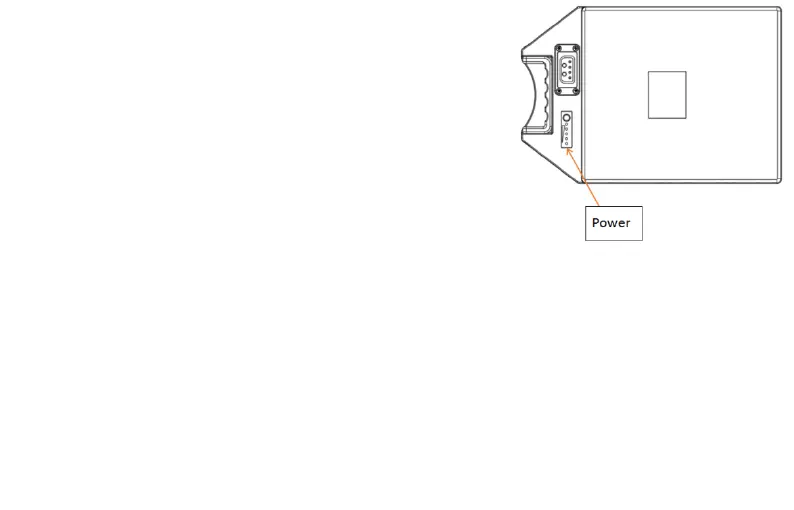
7.Battery
Battery indicator
In the charging state, the flashing indicator
light shows the current level; after the charging
is full, all the indicators are on and no longer flash.
In the non-charged state, press the battery display button:
● The indicator light shows the battery level, and a green light
indicates 25% power.
●The indicator light is red, indicating low battery



 To Next Page