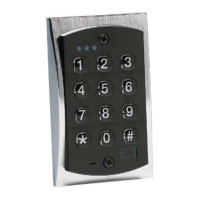
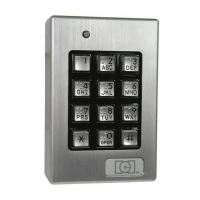
.
1. Enter programming mode
2. Change master code/set main relay time
1
( time) # 1 # (new code)
*
(new code)
*
Example: Master code of 4321/relay time of 10 seconds Press 10 # 1 # 4321 * 4321 *
(user number) # (new code)
*
(new code)
*
4. Add/change user code to toggle main relay
1
(00) # (user number) # (new code)
*
(new code)
*
6. Turn keypress feedback/audible keypress on
7. Turn keypress feedback/audible keypress off
8. Turn yellow LED/sounder on with relay
9. Turn yellow LED/sounder off with relay
12. Turn keypad active on
2
13. Turn keypad active off
14. Set propped door time
3
15. Set forced door relay time
3
16. Erase keypad memory/reset defaults
NOTES:
1
Time must always be represented by 2 digits. Example: 5 seconds = 05.
Latching /toggle is accomplished by entering a time of 00
2
Keypad active is a negative voltage output (sink) available
on terminal (or wire) marked WB (see wiring diagrams for location).
3
Propped Door and Forced Door times must be programmed in intervals of
10 seconds. ie. 10, 30, 60, ... up to 900 seconds.Forced door time of 00 will latch output, until reset by code.



 To Next Page