Overview
1. First microphone
2. Power button, press and hold
to turn tablet on/off
3. Volume UP button
4. Volume DOWN button
5. Reset pinhole, press with a
paper clip or similar to reboot
the hardware.
6. USB Type-C, for battery
charging or connection to
other devices like a computer
or headset
7. Second microphone
8. Keyboard connector (for the
compatible keyboard
accessory)
9. 4 x loudspeaker
10. Proximity/light sensors, ad-
justs the display based on the
ambient light and turns off
the display when covered.
11. Front camera, selfie camera
12. Memory card tray
13. Touch screen
14. Rear camera
15. Flash
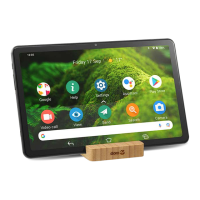
16. Desk stand
Thin slot: Tablet only
Wide slot: Tablet with
protection cover accessory


 To Next Page