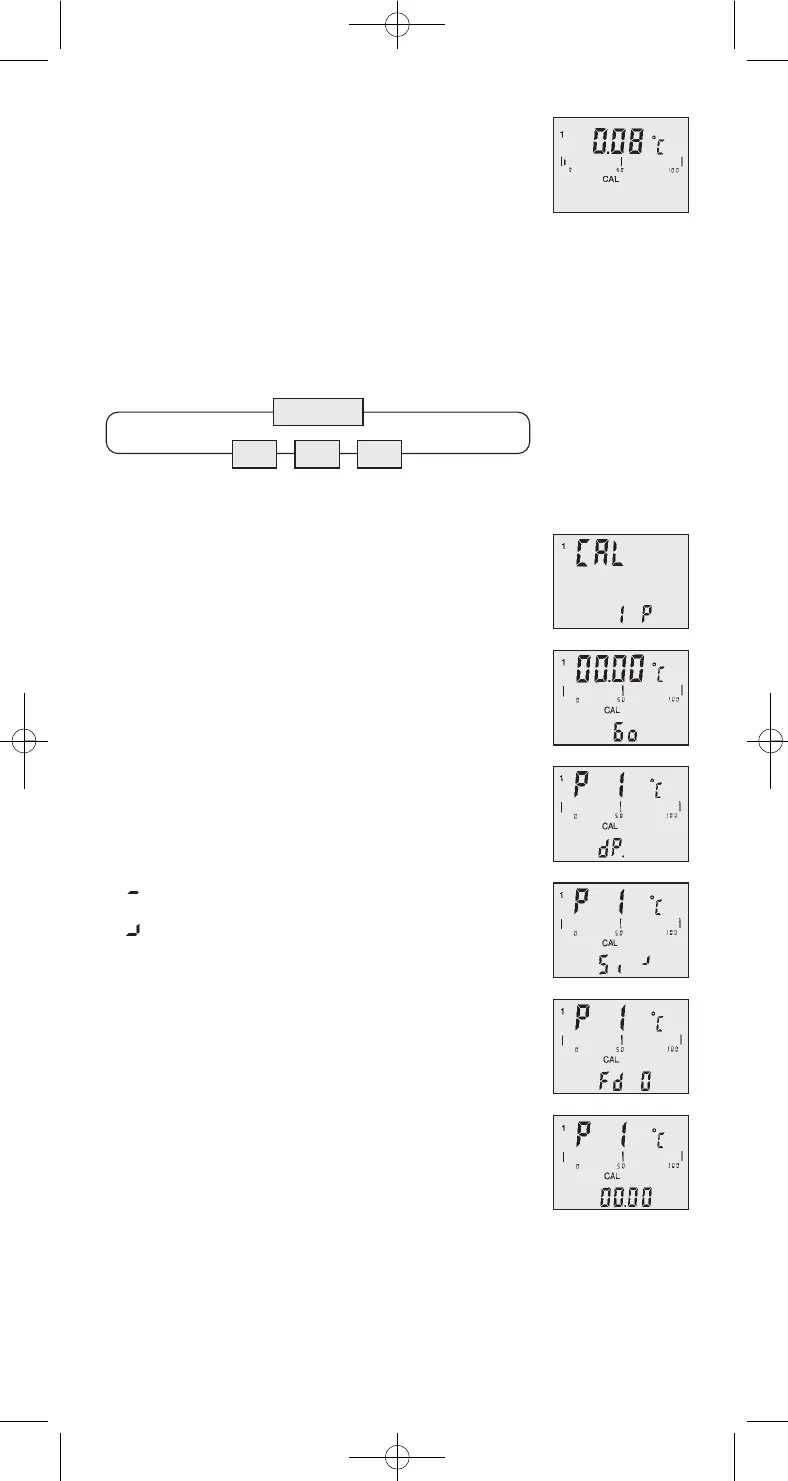
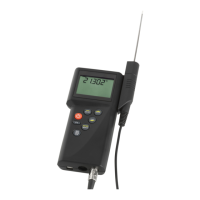
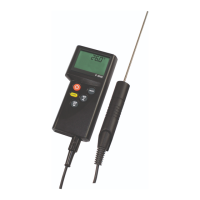
Display-indication with active calibration code(OP1):
The CAL -segment and the small 1 on the left indica-
tes to the user that oP1 is activated.
Calibration by physical standard references / oP2
Use the up and down keys [
] to select oP2. Push
[ENTER/MENUE] to confirm.
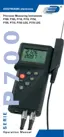
On the bottom of the display appears 1 P. For chang-
ing between a 1-Point [1 P], 2-Point [2 P] or 3-Point
[3 P] - calibration use the up and down keys [
].
Example of a 1-Point calibration:
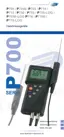
Push [ENTER/MENUE] to confirm. On the display
appears Go. After the displayed measuring value is
stabile push [ENTER/MENUE]. App. 2 seconds later
in the first display line appears P1 (measuring value
1); in the second display line appears dP. (standing
for decimal point).
Use the up and down keys [
] to select the num-
ber of digits after decimal point:
dP. = two decimal digits
dP . = one decimal digit
(decimal point is jumping one digit to the right)
Push [ENTER/MENUE] to confirm. On the second
line of the display appears Si -. Use the up and down
keys [
] to select the requested sign.
Si = reference standard shows
a negative measuring value (below 0,00C°)
Si = reference standard shows
a positive measuring value (above 0,00C°)
Push [ENTER/MENUE] to confirm. On the second
line of the display appears Fd 0.
Use the up and down keys [
] to select the re-
quested range:
Fd 0 = below 100,00°C
Fd 1 = above 100,00°C
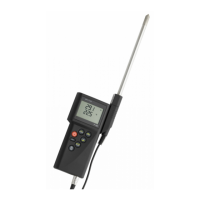
Push [ENTER/MENUE] to confirm. On the display
appears 00.00. For changing the value use the up
key [
] . For stepping to the next number use the
down key [
]. If the requested value is complete
then push [ENTER/MENUE] to confirm.
Push [ESC] to be back in the measuring mode.
Note: A break of the physical calibration cannot
be done by the [ESC]-button. Switching off the in-
strument can only do a break of the physical cali-
bration.
oP2
1 P 2 P 3 P
Important!
9
DE P700 Anleitung engl. 12/11 06.12.2011 10:04 Uhr Seite 9


 To Next Page