16 Technical manual | X-am® 3500/8000
Operation
4 Operation
4.1 Operating concept
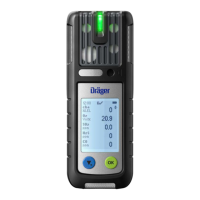
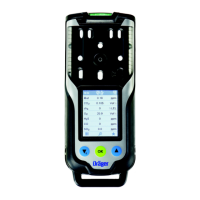
Navigation is done with the 3 multifeature buttons and the dynamic navigation bar
(see Graphic E on the fold-out page). The navigation bar changes dynamically
depending on the available interactions.
4.2 Symbol explanations
4.2.1 feature buttons
4.2.2 Displays
4.2.3 Application
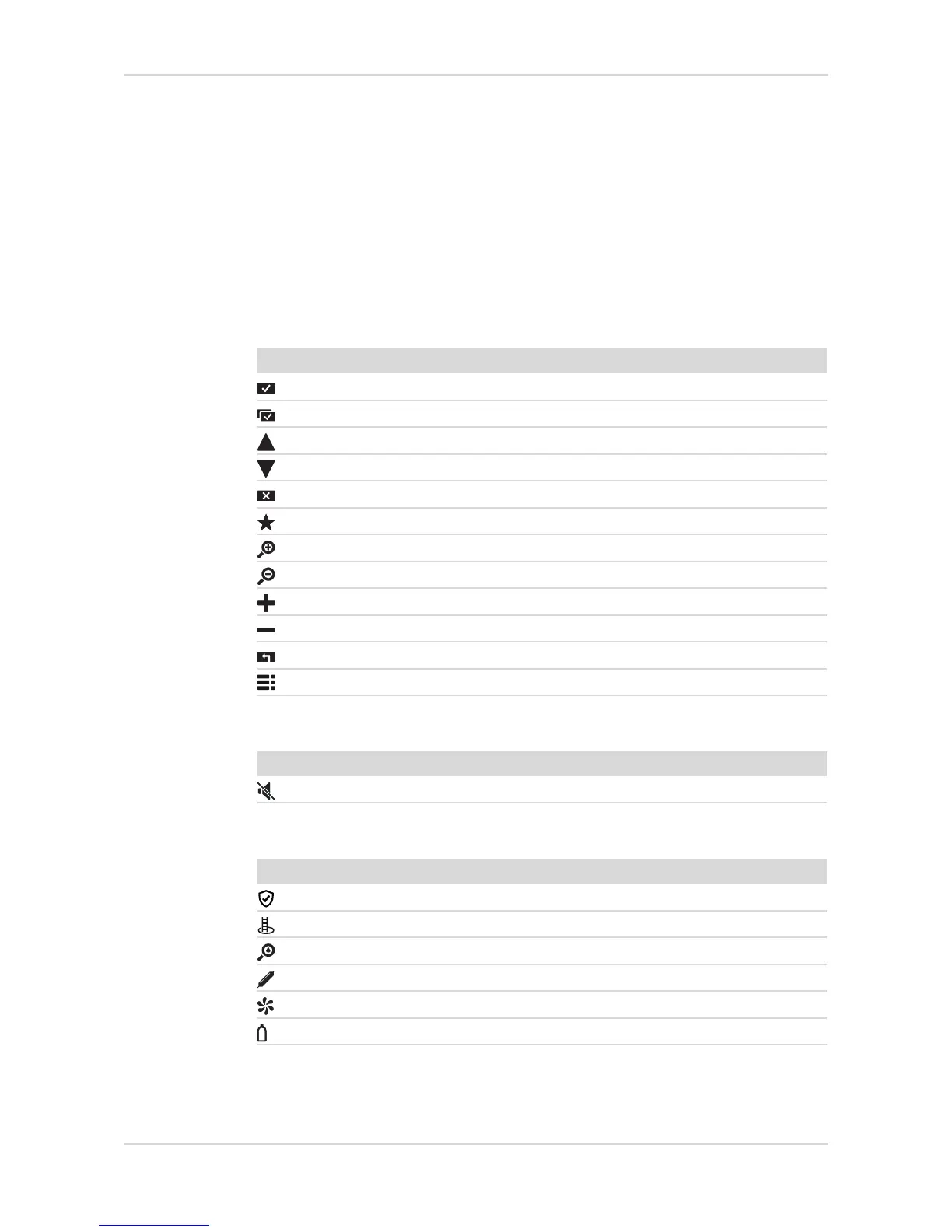
Symbol Explanation
Confirm action/dialog / return to menu
Confirm all
Scroll up / through display
Scroll down / through display
Cancel action
Display quick menu
Display measuring channels individually
Display all measuring channels
Increase value
Decrease value
Repeat feature
Display menu
Symbol Explanation
Horn and vibration for gas alarm deactivated
Symbol Explanation
Messen
Clearance measurement (X-am 8000 only)
Leak search (X-am 8000 only)
Benzene/pre-tube measurement (X-am 8000 only)
Fresh air adjustment
Bump test or calibration


 To Next Page
 Loading...