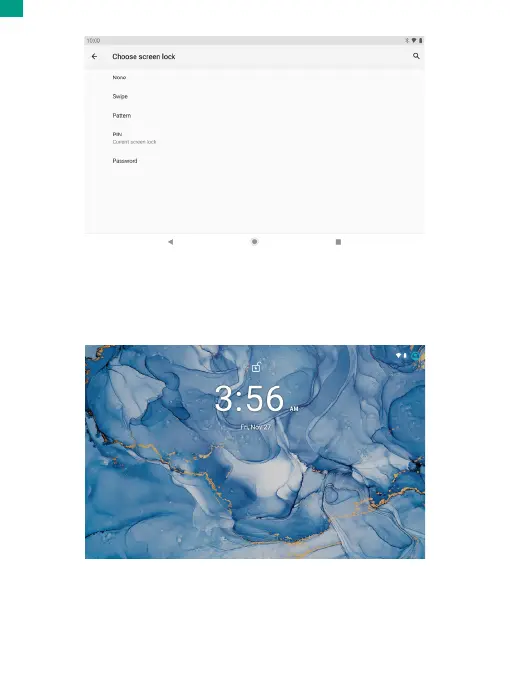
Unlocking the Screen
When the screen turns off, you will have to unlock the screen when you turn it back
on. To unlock the screen, swipe up the lock icon.
Taking a Screenshot
Press and hold the power button and volume down button at the same time to take
a screenshot. The screenshots will be saved in the photos file.
01 02 03 04 05 06 07 08 09 10 11 12 13 14 15
16 17 18 19 20 21 22 23 24 25 26 27 28 29 30
31 32 33 34 35 36 37 38 39 40 41 42 43 44 45
46 47 48 49 50 51 52 53 54 55 56 57 58 59 60
61 62 63 64 65 66 67 68 69 70 71 72 73 74 75
76 77 78 79 80 81 82 83 84 85 86 87 88 89 90
EN


 To Next Page