EasyManua.ls Logo

Draper PT2000D - User Manual

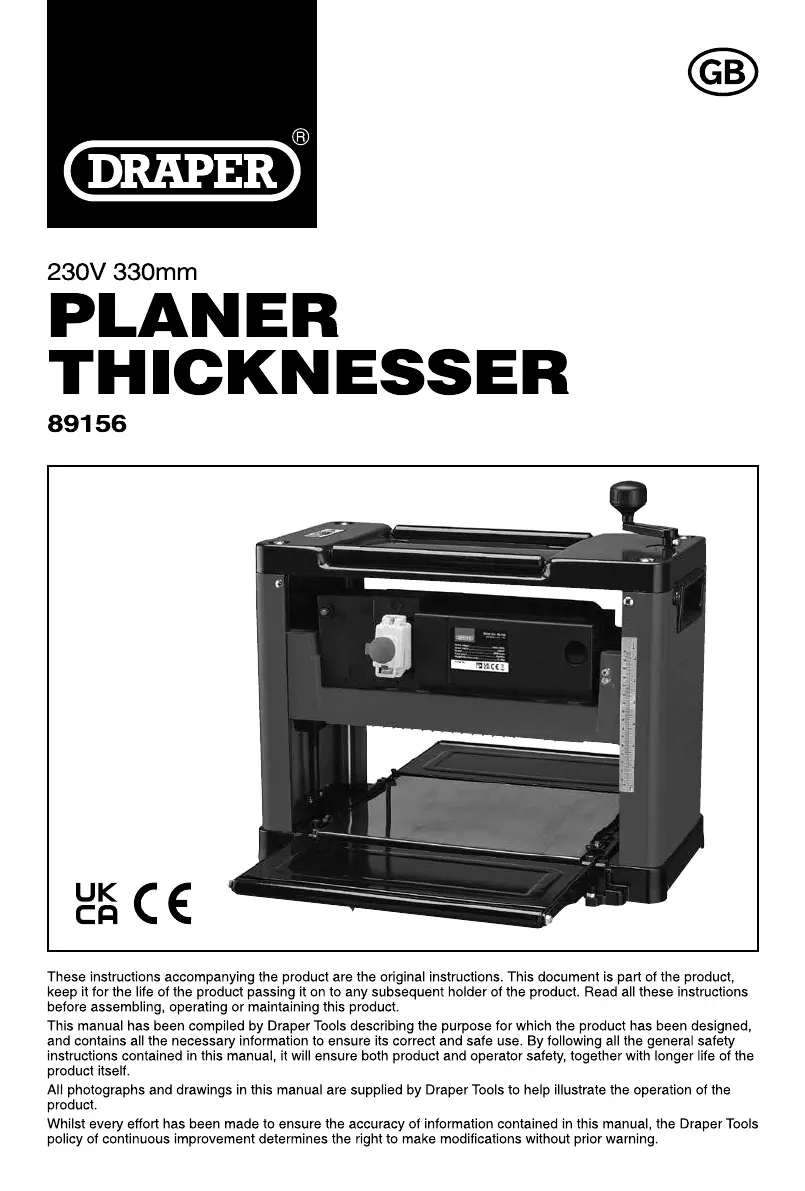
Draper PT2000D
24 pages
Print Icon
To Next Page IconTo Next Page
Loading...

Questions and Answers

  • D
    Dennis PattonAug 11, 2025
    What to do if my Draper PT2000D machine will not start?
    • M
      Mr. Vincent BergAug 11, 2025
      If your Draper tool won't start, there are several potential causes. First, ensure the machine is properly plugged in. If it is, check the fuse and replace it if blown. A damaged cable could also be the culprit, so consider replacing the cable. Finally, double-check the micro-switch or selector switch positions to ensure they are correctly set up.
  • P
    Peter RogersAug 17, 2025
    Why is there a loss of cutting performance in my Draper PT2000D Tools?
    • M
      Monica Martin DDSAug 17, 2025
      If you experience a loss of cutting performance with your Draper Tools, it could be due to a couple of reasons. The blades may have become blunt, in which case you should replace the pair of blades. Alternatively, the drive belt might be slipping, so you may need to tension or replace the belt.
  • A
    austinguerreroAug 23, 2025
    How to fix an uneven or cracked workpiece surface with Draper PT2000D?
    • M
      Michael BishopAug 23, 2025
      An uneven or cracked workpiece surface when using Draper Tools can be caused by several factors. The blades may be blunt, requiring replacement of the pair. The cutter block could be clogged with sawdust or sap, so clear that. Ensure blades are fitted correctly; if backward, refit them properly. The workpiece might be insufficiently dry; use a drier piece. Cutting against the grain can also cause this, so reverse and re-feed the workpiece. Finally, excessive material removal can be a factor; reduce the amount removed per pass to a maximum of 3mm.
  • J
    James AndersonAug 29, 2025
    Why is there a reduced feed rate in my Draper PT2000D Tools?
    • M
      Mark ThomasAug 29, 2025
      A reduced feed rate in your Draper Tools can stem from a few issues. The table surface might be dirty, so clean off any sap. Alternatively, the roller drive belt could be slipping, necessitating a belt replacement. Lastly, the roller drive mechanism might be stiff, requiring lubrication of the drive bearings and mechanism.
  • M
    Matthew LeSep 5, 2025
    What to do if a work piece jams when thicknessing with Draper PT2000D Tools?
    • B
      Billy JacksonSep 5, 2025
      If your workpiece jams when thicknessing with Draper Tools, it could be due to the workpiece being too large; the maximum capacity is 160mm. It could also be that you are removing an excessive amount of material; reduce the material removal on the next pass to a maximum of 3mm.

Draper PT2000D Specifications

General IconGeneral
BrandDraper
ModelPT2000D
CategoryTools
LanguageEnglish

Related product manuals