PAGE 3PAGE 14
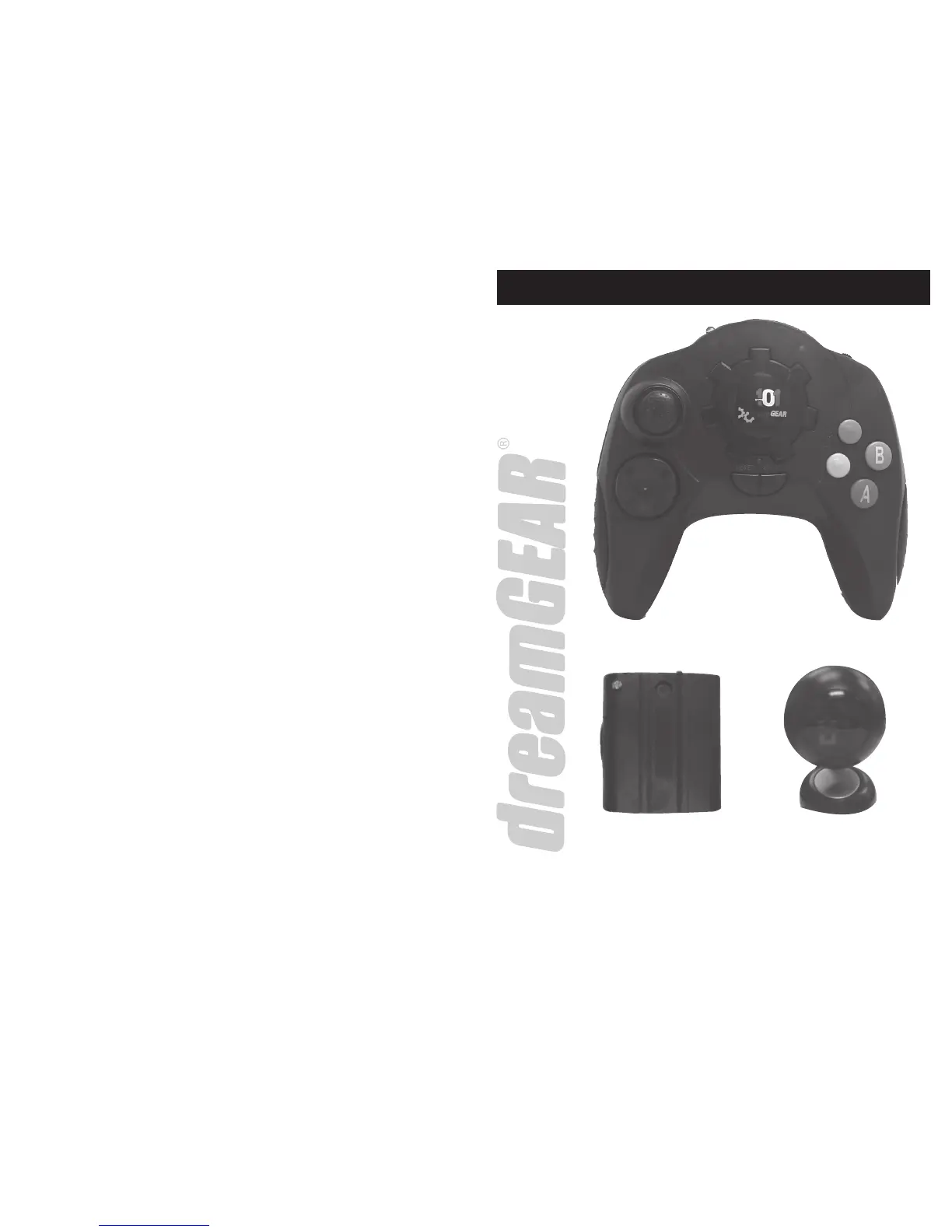
PACKAGE CONTENTS
84. WONDER BALL:
Start Game: Press the start button to begin game play.
Game Objective: The object of Wonder Ball is to direct the marbles to the corresponding colored hole.
Button Functions:
• Use D-pad or joystick to control ball movement
85. ARENA:
Start Game: Press the start button to begin game play. Note: You can only select a one-player game.
Game Objective: The object of Arena is to collide with the advancing army while avoiding the incoming re.
Button Functions:
• Use D-pad or joystick to control character
86. JUMPING KID:
Start Game: Press the start button to begin game play. Note: You can only select a one-player game.
Game Objective: The object of Jumping Kid is to navigate the level while jumping over the animals. Every time you
successfully jump over an animal you gain points.
Button Functions:
• Use D-pad or joystick to control cursor
• Press the A or yellow button to jump
87. BLOCKS WORLD:
Start Game: Press the start button to begin game play.
Game Objective: The object of Blocks World is to place the proper puzzle pieces onto the puzzle boards empty
spaces. Use the B button to rotate the puzzle pieces.
Button Functions:
• Use D-pad or joystick to control cursor
• Press the A button to make selection
• Press the A button to deselect blocks
• Press the B button to rotate blocks
88. CLIMB:
Start Game: Press the start button to begin game play.
Game Objective: The object of Climb is to reach the top of the tube while avoiding lighting and enemy re.
Button Functions:
• Use D-pad or joystick to control character
89. ANGEL:
Start Game: Press the start button to begin game play. Note: You can only select a one-player game.
Game Objective: The object of Angel is to catch the falling items to gain points. Make sure to avoid the bad items as
they will hurt you.
Button Functions:
• Use D-pad or joystick to control character
90. POLAR BAT
Start Game: Press the start button to begin game play.
Game Objective: The object of Polar Bat is to shoot the ying bats while avoiding falling snowballs and icicles.
Button Functions:
• Use D-pad or joystick to control character
• Press the A or yellow button to re weapon
• Press the B or blue button to jump
91. WILDWORM
Start Game: Press the start button to begin game play.
Game Objective: The object of Wildworm is to eat all the fruit while avoiding the attacking insects.
Button Functions:
• Use D-pad or joystick to control character
92. FIVE DAYS
Start Game: Press the start button to begin game play. Note: You can only select a one-player game.
Game Objective: The object of Five Days is to rotate your machine gun turret and re at the advancing army. Make
sure to avoid incoming re.
Button Functions:
• Use D-pad or joystick to control character
• Press the A or yellow button to re weapon
WIRELESS
CONTROLLER
WIRELESS RECEIVER
RECEIVER PACK


 To Next Page
 Loading...