Bluetooth Music
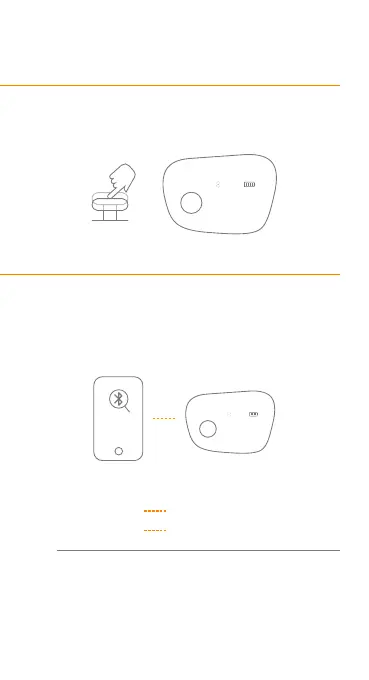
When Dreamlight Zen is on, press the button to
switch to 'Bluetooth Music.'
Bluetooth Pairing
The Bluetooth will be activated in 3 seconds once
switch to Bluetooth Music Mode.
Search ' Dreamlight Zen ' on your phone,
and click to pair with it.
Check pairing status
* The disconnection might be caused by the fact
that it's connected to another device. Push the
button leftwards for 5 seconds to activate the
Bluetooth again.
Bluetooth
Music
Paired Bluetooth icon is shown
Not connected Bluetooth icon is flashing
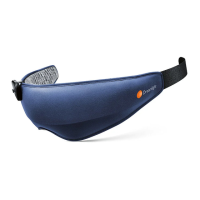
Dreamlight ZEN
......
......
Bluetooth
Music
1.
1.
2.
3.


 To Next Page