Let's get on board!
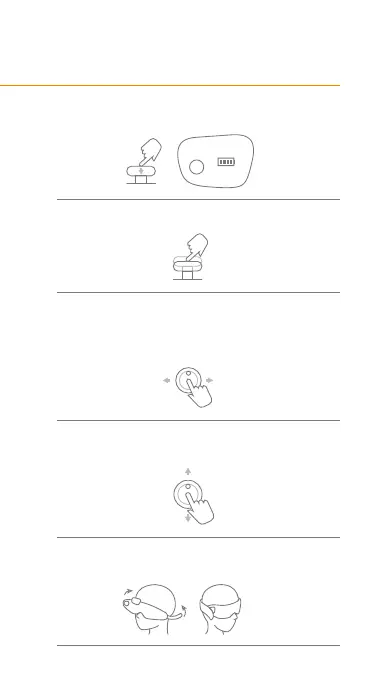
Press the button for 3 seconds to start Dreamlight.
Single press the button to switch between modes.
Push the button leftwards or rightwards
to select various audios.
When it's under 'nap mode', push the button left-
wards or rightwards to choose different time settings.
Push the button upwards/downwards to
adjust to the appropriate volume.
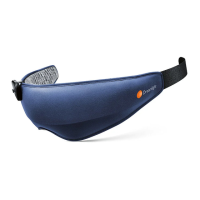
Wear your Dreamlight Zen mask, and fix
the velcro to a comfortable position.
1.
2.
3.
4.
5.


 To Next Page