Some dust created
by power sand-
ing, sawing, grinding, drilling, and
other construction activities contains
chemicals known to cause cancer,
birth defects or other reproductive
harm. Some examples of these
chemicals are:
• Lead from lead-based paints,
• Crystalline silica from bricks and
cement and other masonry products,
and
• Arsenic and chromium from chemi-
cally-treated lumber.
Your risk from these exposures varies,
depending on how often you do this
type of work. To reduce your exposure
to these chemicals: work in a well ven-
tilated area, and work with approved
safety equipment, such as those dust
masks that are specially designed to
filter out microscopic particles.
Operating Instructions
No matter how you use your Dremel
electric engraver, you’ll do a profes-
sional-like job by following the simple
operating instructions shown.
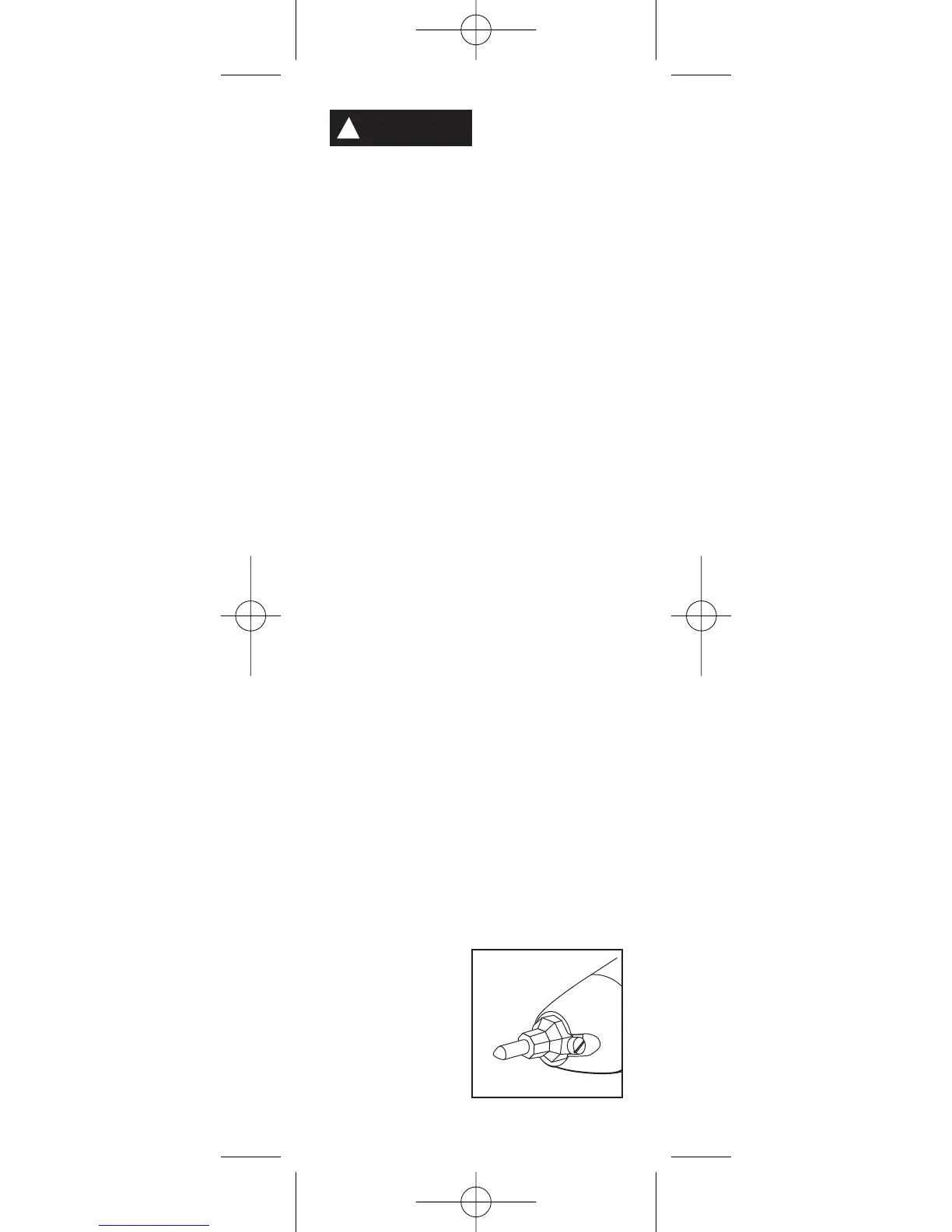
1. In order to use your engraver, you
must first install the engraver point. To
properly install the engraver point
loosen the set screw located in the
engraver point holder (figure 1). Place
the engraver point inside the point
holder and firmly tighten the set screw.
It is important to
make sure the
engraver point is
held firmly in
place by the set
screw. To remove
a worn out
-4-
!
WARNING
Figure 1
DM 2610951642 05-07 5/7/07 12:00 PM Page 4


 To Next Page