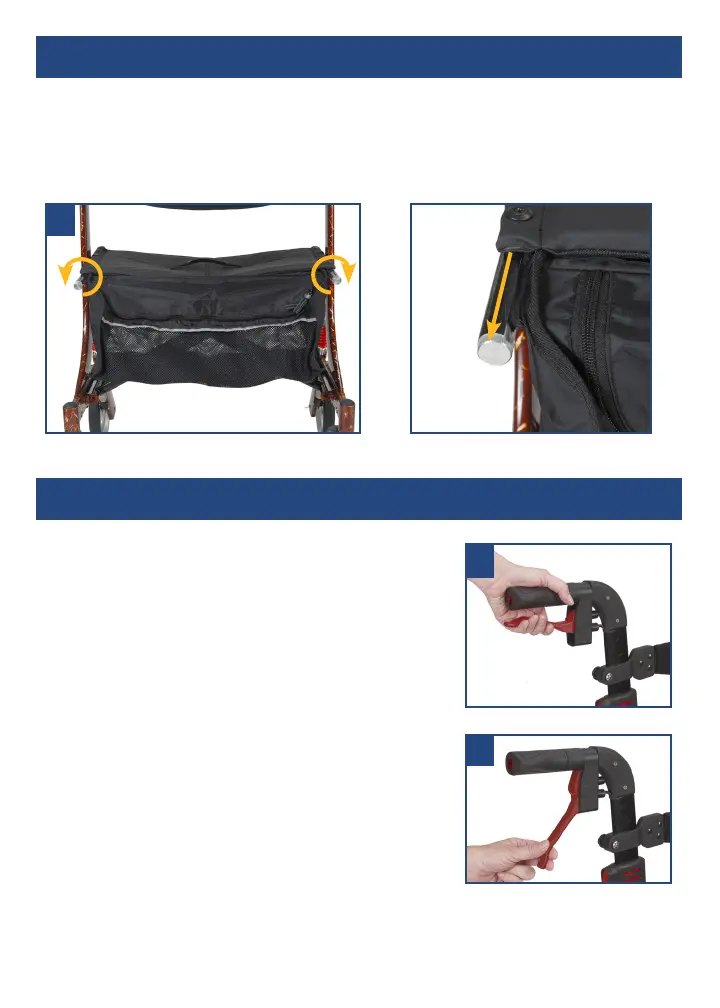
removing / attaching the carry bag
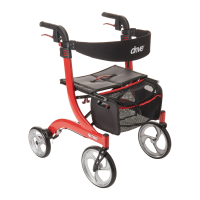
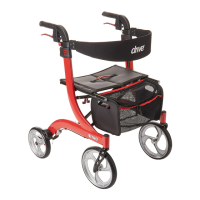
To remove bag, twist knobs located on the front end of the seat frame outward
(Figure 4 & 5). Pull out knobs and slide bag out of receptacle.
To replace bag, fold the Nitro slightly and reverse above steps.
braking / locking
Pull both brake levers upwards to apply the brakes
while the Nitro is moving (see figure 6). Always
brake slowly and steady.
Press both brake levers down to apply the locks
while the Nitro is stationary (see figure 7). Pull up
the brake levers and release to release the locks.
The effect of the brakes can be affected by
abrasion of the wheels.
Regularly test the brakes.
6
7
4
5



 To Next Page