Drobo 5N Getting Started Guide 11
2. Click the Next (Windows) or Continue button (Mac), as appropriate.
Note: If the Microsoft iSCSI Initiator window appears, click the Yes button. Follow the
instructions to install the Microsoft iSCSI Initiator, clicking the Next button as needed. When
finished, you are returned to the InstallShield Wizard to continue installation.
3. Follow the directions of the Installation Wizard, clicking the Next or Continue button after
each page, as appropriate.
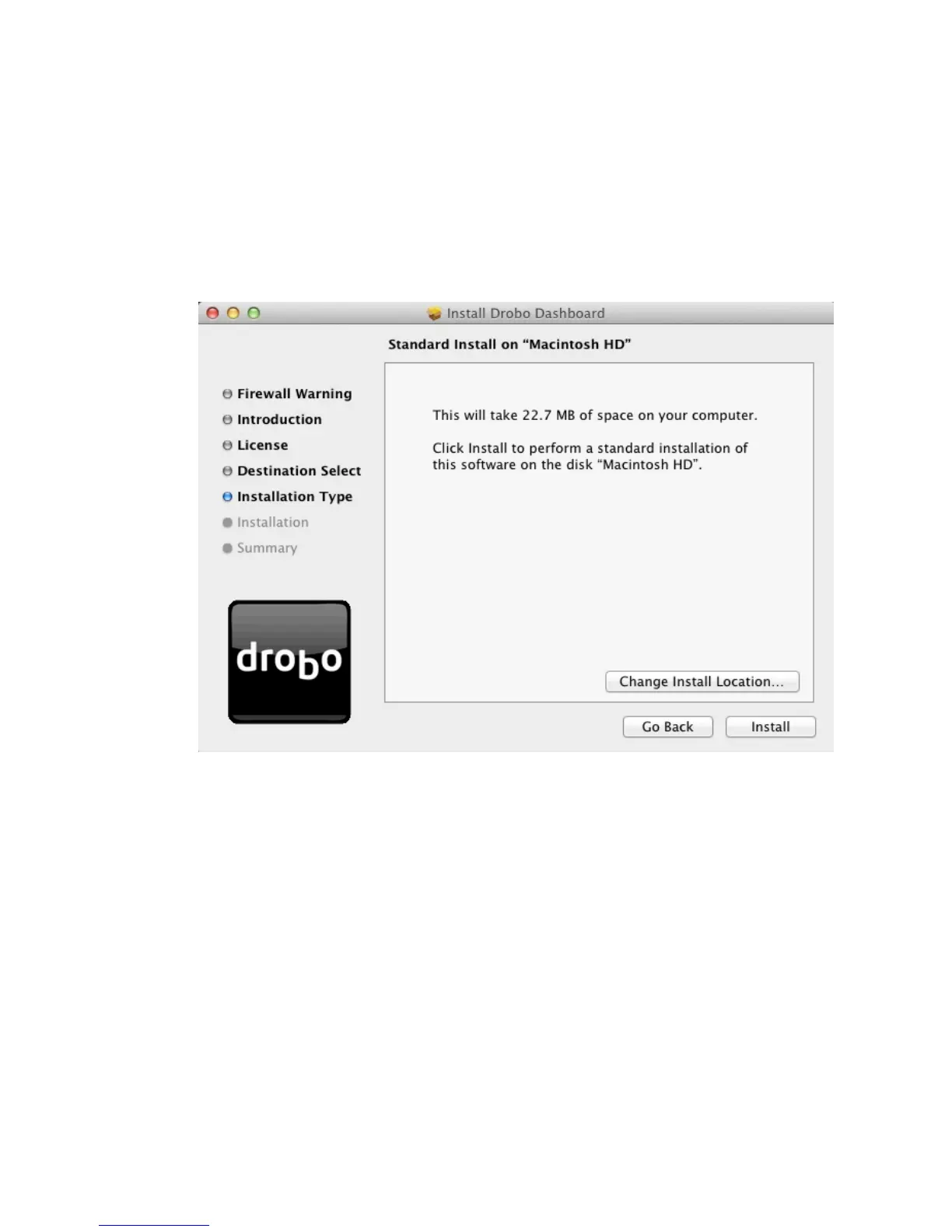
4. When you reach the installation page, click the Install button.
On a Mac, this screen appears as follows.



 To Next Page