Drobo 5N Getting Started Guide 18
3.
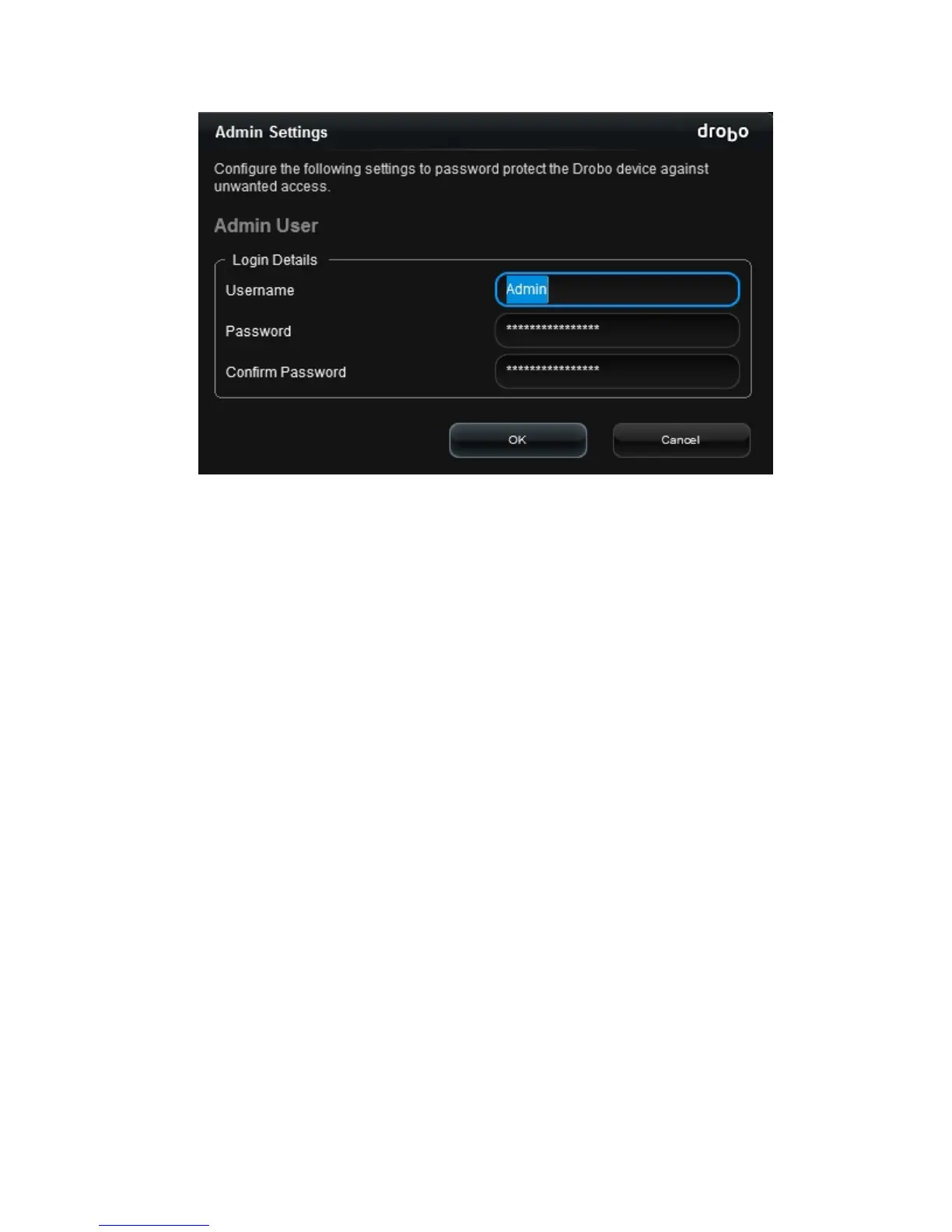
In the Username text box, enter a username for the administrator. “Admin” is the default.
4.
In the Password text box, select any default text that appears there, press the Delete key
and enter a password for the administrator.
5.
In the Confirm Password text box, select any default text that appears there, press the
Delete key and re-enter the password you just typed.
6.
Click the OK button.
You are returned to the Status page and now logged in to this Drobo device.
Note: If you would like to use Drobo's Dual Disk Redundancy feature, you will need to enable it.



 To Next Page