Drobo How-To Guide
Add SSDs to a Drobo B1200i to Enable Automated Data-Aware Tiering
drobo.com | Add SSDs to a Drobo B1200i to Enable Automated Data-Aware Tiering
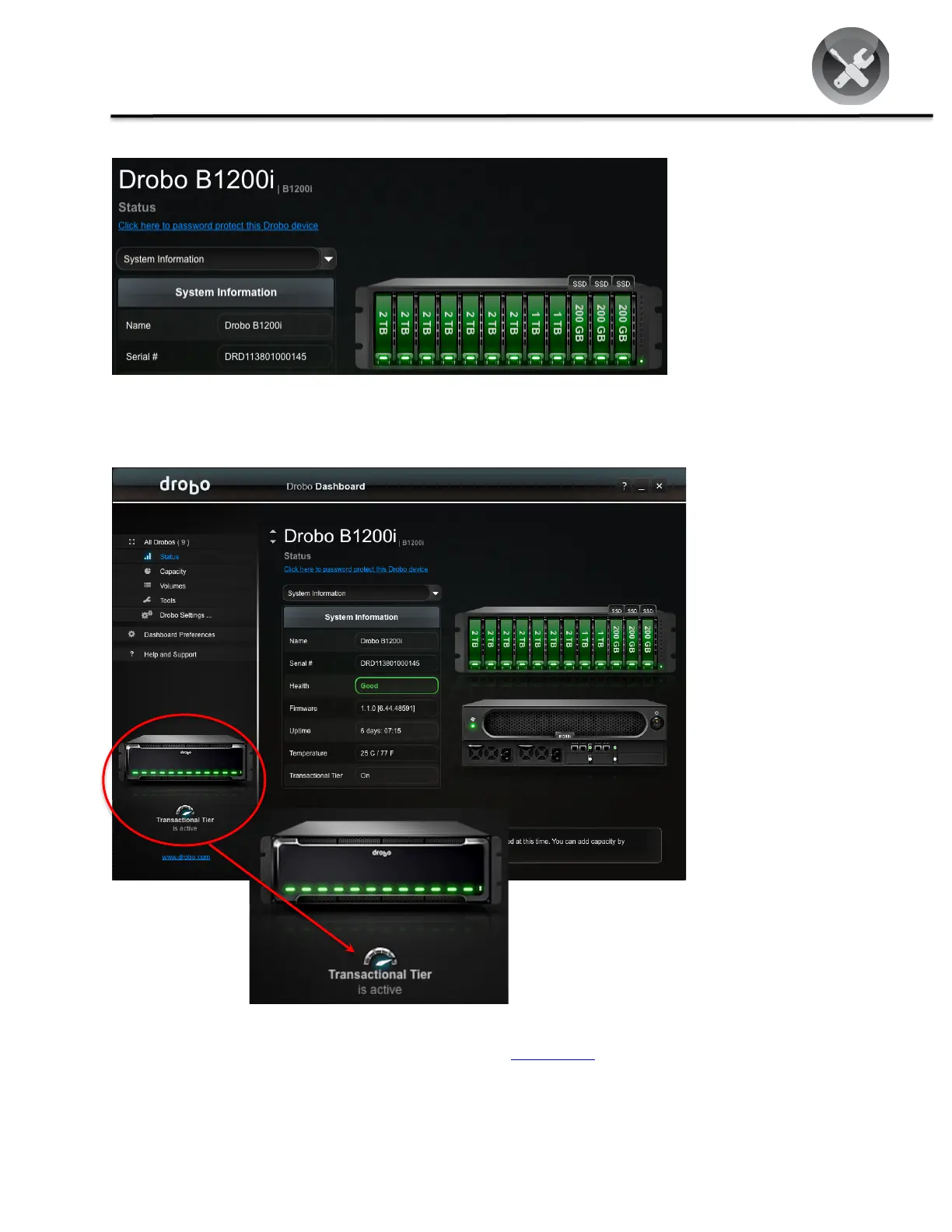
After all SSD’s have been installed, Automated Data-Aware Tiering dynamically begins to reconfigure the B1200i and
a notification icon displays when the feature is enabled.
Drobo ! 2460 North First Street, Suite 100, San Jose, CA ! www.drobo.com ! 1.866.97.DROBO
Copyright 2012 Drobo, Inc. Data Robotics, Drobo, DroboEllite, DroboPro, BeyondRAID, and Smart Volumes are trademarks of
Drobo, Inc., which may be registered in some jurisdictions. All other trademarks used are owned by their respective owners.
All rights reserved. Specifications subject to change without notice. ! HT-0117-00 ! May 2012



 To Previous Page