drobo.com | Getting Started Guide for Your Drobo FS/B800fs |
8
drobo.com | Getting Started Guide for Your Drobo FS/B800fs |
2. Double-click the Drobo Dashboard icon.
3. A dialog box may appear, asking you to select your language from the drop-down
list. After doing so, click the OK button.
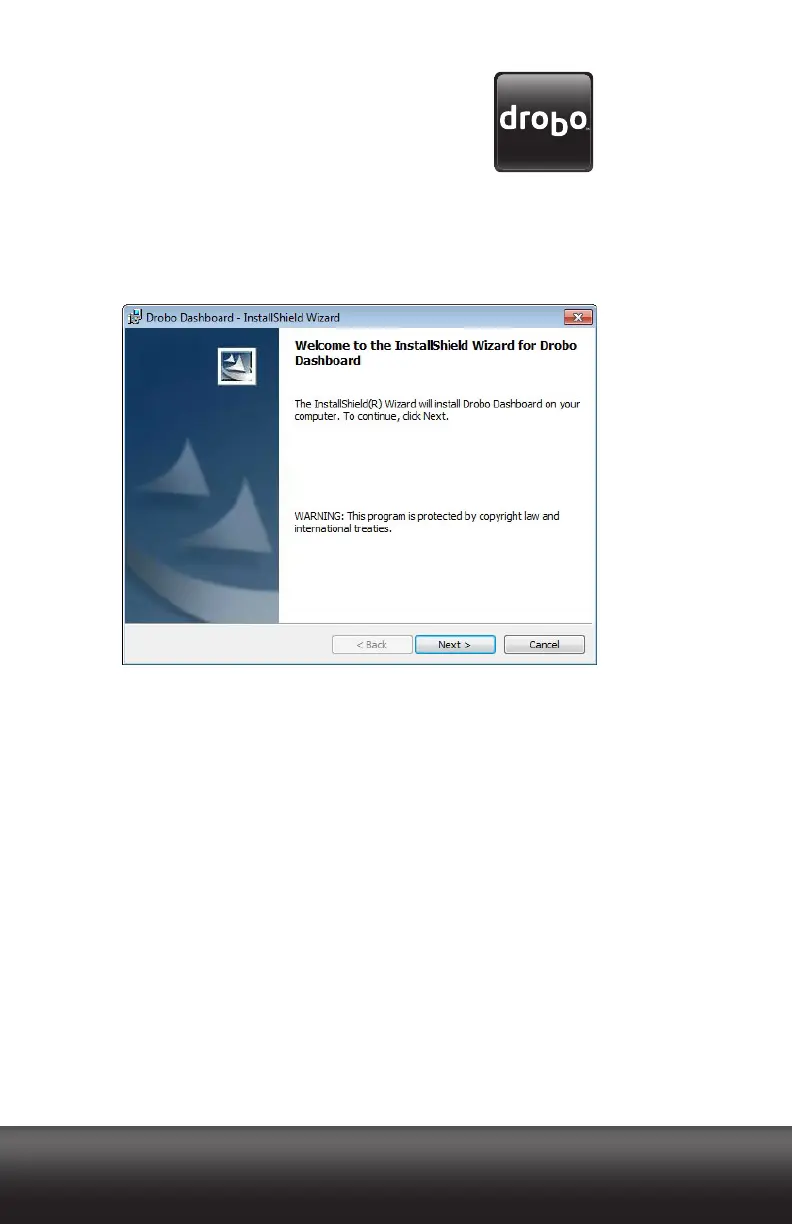
The Drobo Dashboard Installation Wizard appears, preparing to install.
4. Click the Next (Windows) or the Continue button (Macintosh), as appropriate.
Note: If the Microsoft iSCSI Initiator window appears, click the Cancel button. You
do not need this utility for a Drobo FS/B800fs device. A message appears, asking
if you’re sure you want to cancel. Click the Yes button, and in the confirmation
message box, click the OK button. You are returned to the InstallShield Wizard to
continue installation.
5. Follow the directions of the Installation Wizard, clicking the Next or Continue
button after each page, as appropriate.
6. When you reach the ready to install page, click the Install button.



 To Next Page