20
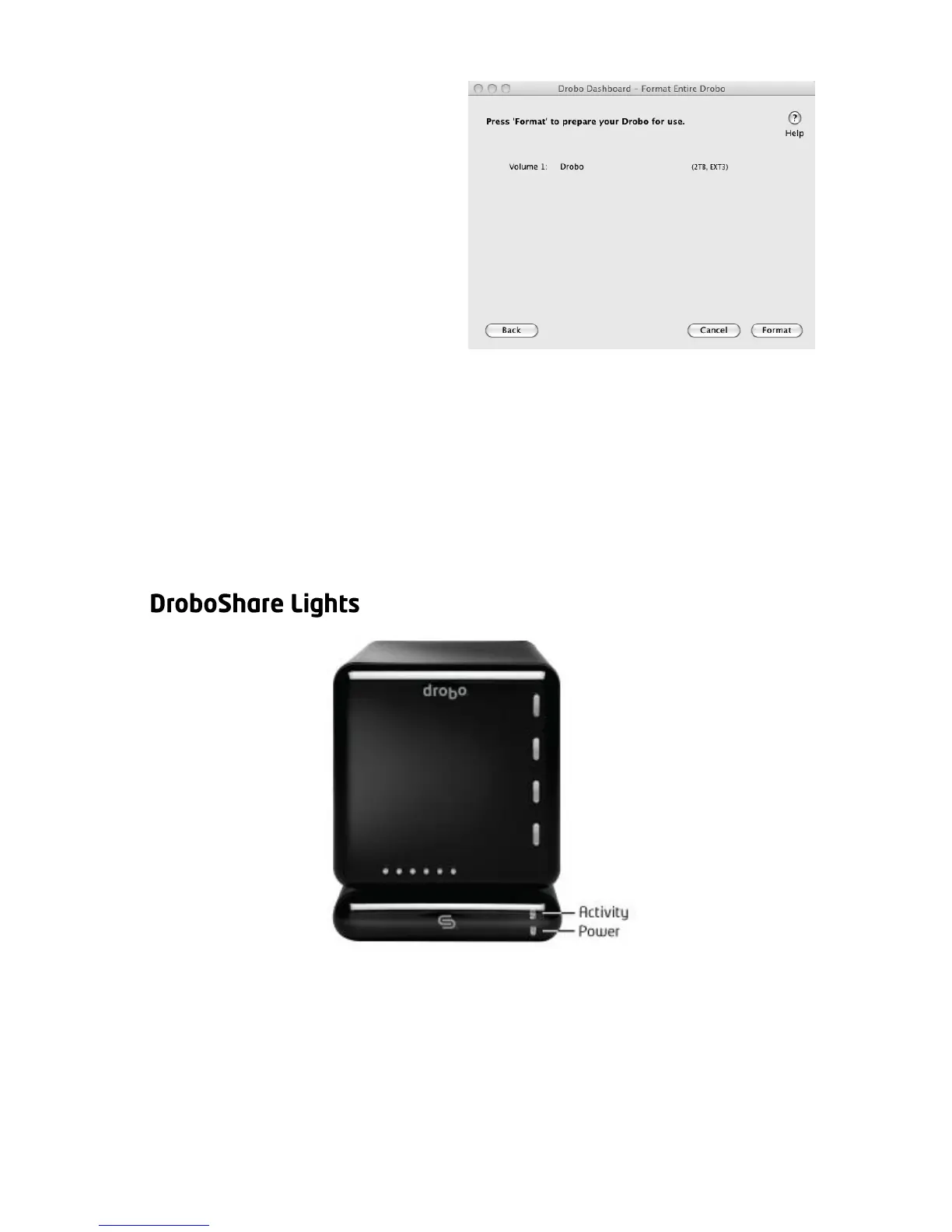
5. You will be shown a
summary of your selections.
Now click “Format”. This
process should take a few
minutes and could cause
your Drobo to restart.
When formatting is complete, Drobo is formatted and ready to be used.
The Drobo volume(s) will automatically connect to your computer. Each
volume will appear as a Volume on your Mac or as a Network Drive on
your PC.
Tip: You can determine actual disk space usage by opening Drobo Dashboard or
checking Drobo’s blue capacity lights.



 To Next Page