4
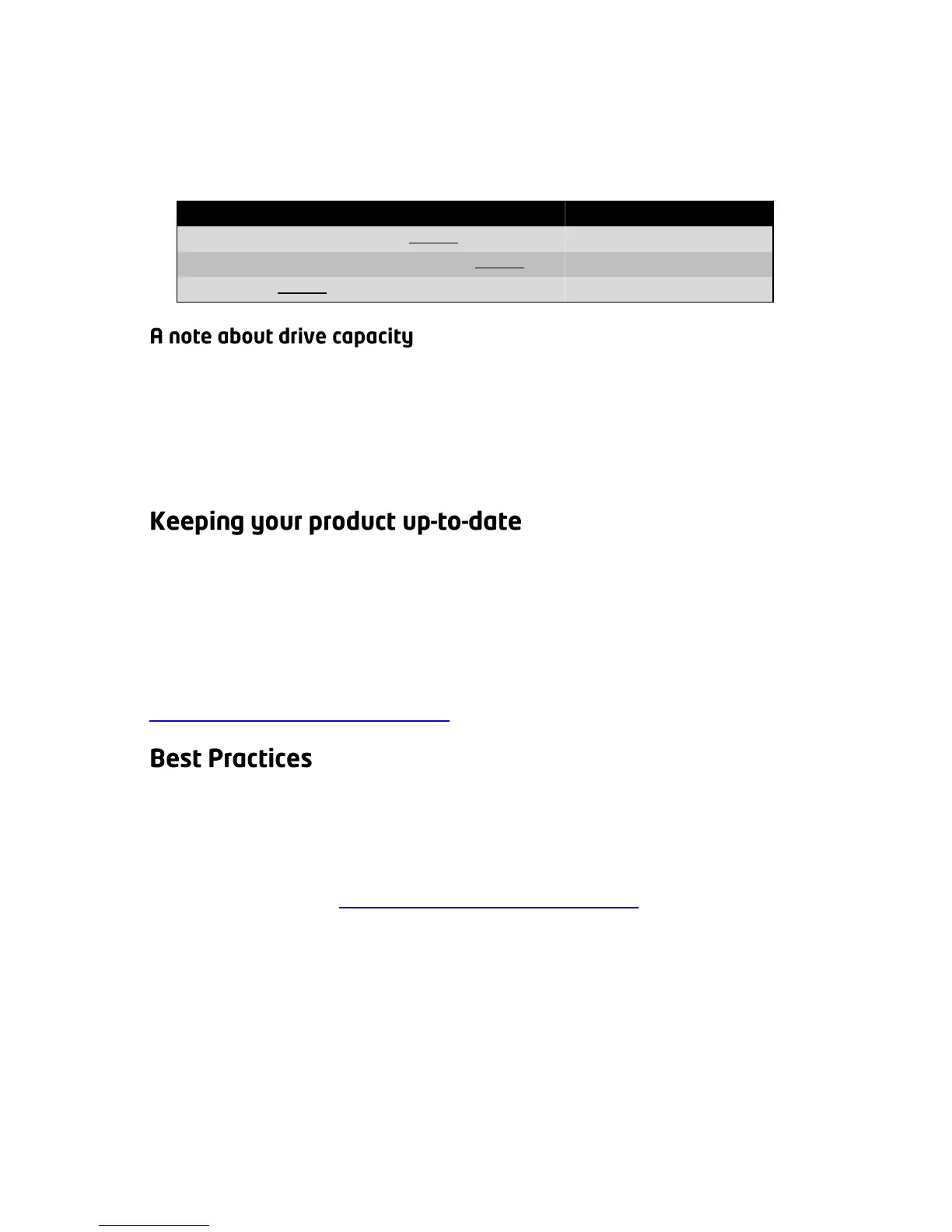
drives. To calculate the approximate capacity yourself, omit the largest
drive and then add-up the capacity of the remaining drives.
For example (largest drives are crossed out):
Some years ago, computer manufacturers and hard drive manufacturers
started using different systems for measuring capacity. The net result is
that not all of a drive’s rated capacity is available to your computer. For
example, a 750GB drive will have approximately 700GB worth of
capacity. This discrepancy has nothing to do with Drobo.
During your initial setup, Drobo Dashboard asks you if you want to
check for updates automatically. We highly recommend you select the
“Yes” option to assure optimal performance of your Drobo. This feature
enables you to keep both Drobo Dashboard and your product’s
firmware current. Subsequently, you will receive a notice when a newer
version is available. You can check for the most current versions at
http://www.drobo.com/support/.
There are a number of things you can do to protect your valuable data.
Using a Drobo storage product is obviously a major step. However,
there are additional actions you can take to provide even greater safety
for your data. To learn more about this important topic, please visit our
Best Practices site at http://www.drobo.com/support/.



 To Next Page