Formatting Drives Using Drobo Dashboard
Using virtualization technology, Drobo does not require you to format each and every drive added to Drobo. When you
add or upsize drives in Drobo after the initial formatting, you will get immediate access to any additional capacity. After
the initial format, you will not need to format added drives until an additional pool of storage is created and Drobo will walk
you through that process when the time comes.
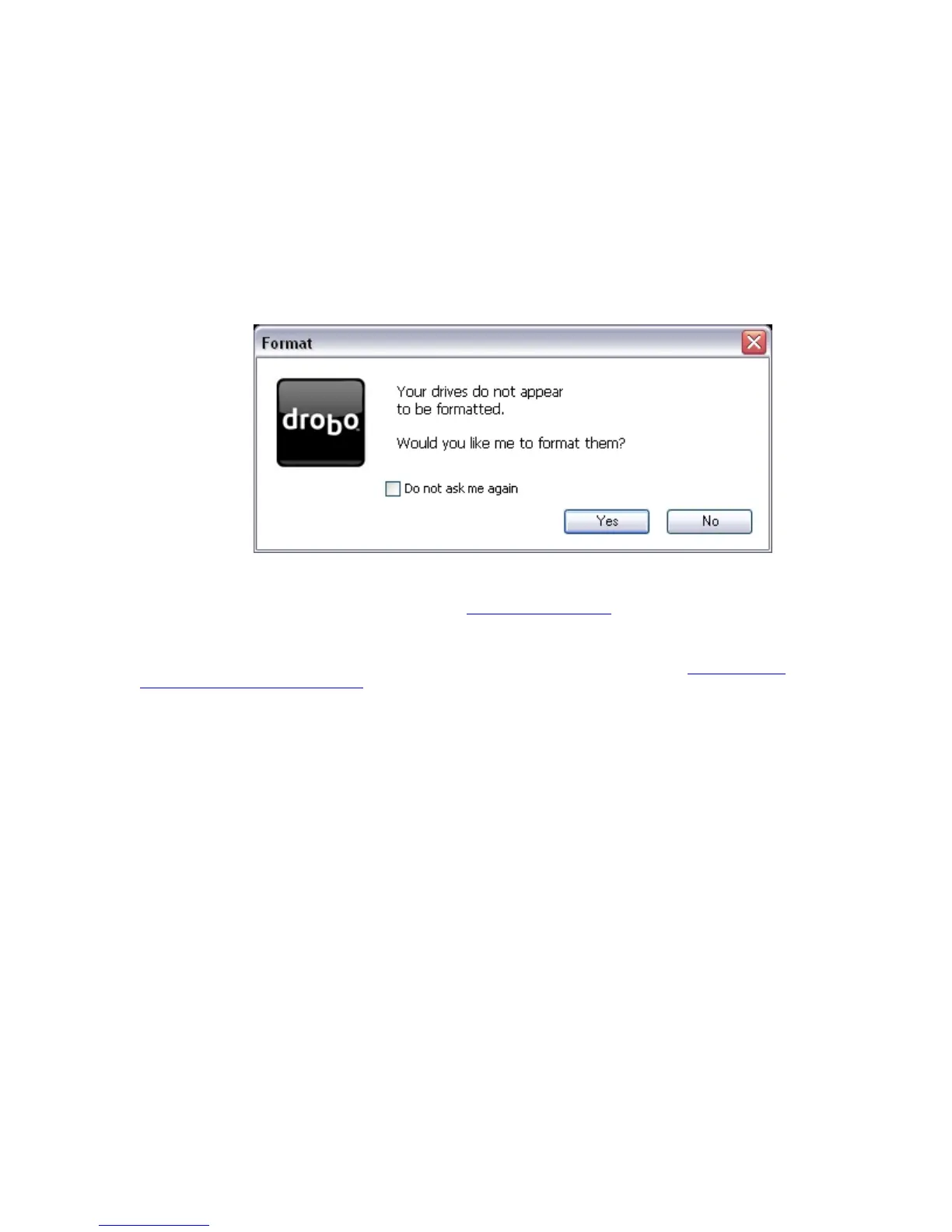
If Drobo Dashboard is running, it will automatically show you the Drobo Format dialog box:
Note: If the Drobo Format dialog box does not appear, see
Starting Drobo Dashboard found later in this help topic.
Note: For instructions about using the Windows Disk Management Utility to format your drives, see
Formatting Drives
Using Windows Disk Management Utility.
7



 To Next Page