Win Alt Alt
(Menu)
(Menu)
(Menu)
(Menu)
11
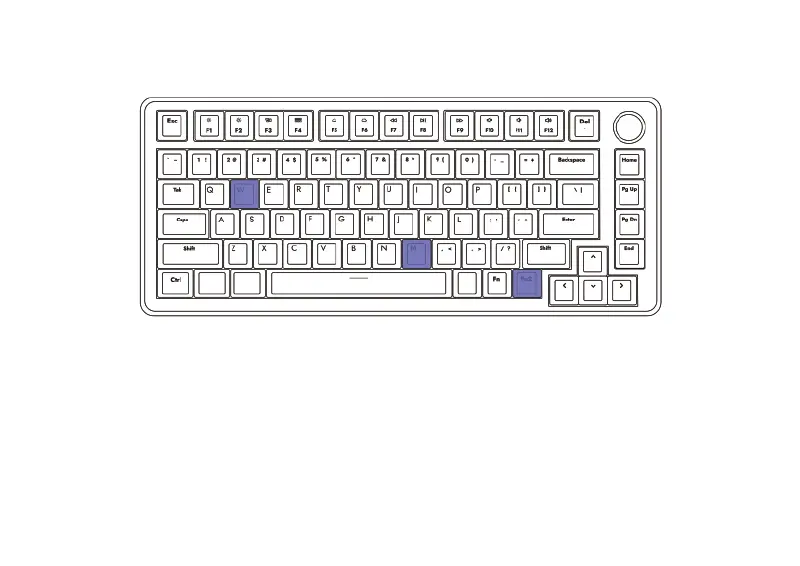
The operating layout of the A75 can be changed by key combination as follow:
Fn2(Menu)+ M : Switch to the Mac OS
Under the MacOS layout, the function keys on F1 to F12 are available without other
driver program.
Fn2(Menu)+ W : Switch to the WindowsUnder the Windows layout, the funcvtion
keys would retain original key value.
How To Switch The Operating Layout



 To Next Page