DATA SUPPORT COMPANY, INC.
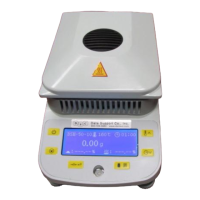
HFT 500 Weight Calibration Procedure
1. Make sure nothing in on the pan support.
2. Press and Release the TARE button to zero-out the
reading.
3. Press and Hold the calibration button until “CAL” is
displayed. Then release the button, and a blinking “50.00 g” will
appear.


 To Next Page