
 Need help?
Do you have a question about the DStv Drifta and is the answer not in the manual?
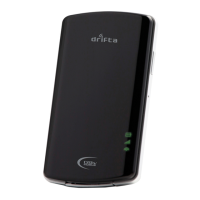
An overview of the Drifta DStv Mobile Decoder and its physical components.
Explanations of the indicator lights for Antenna, Power/Battery, DVB-H signal, and Wi-Fi status.
Details on the power button for turning the device on/off and the reset button for factory settings.
Description of the Mini USB port, CAS Number, and Device ID for connection and activation.
Instructions for charging the battery, activating the device, and installing client software.
System requirements and steps for connecting the Drifta to a PC for viewing.
System requirements, application installation, and pairing for Apple devices.
Step-by-step procedure to reset the Drifta DStv Mobile Decoder to factory settings.
Information on obtaining software updates and additional client software from the official website.
 General
| Brand | DStv |
|---|---|
| Model | Drifta |
| Category | Media Converter |
| Language | English |

 To Next Page