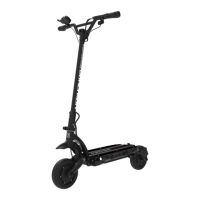
Step2. Stance for driving
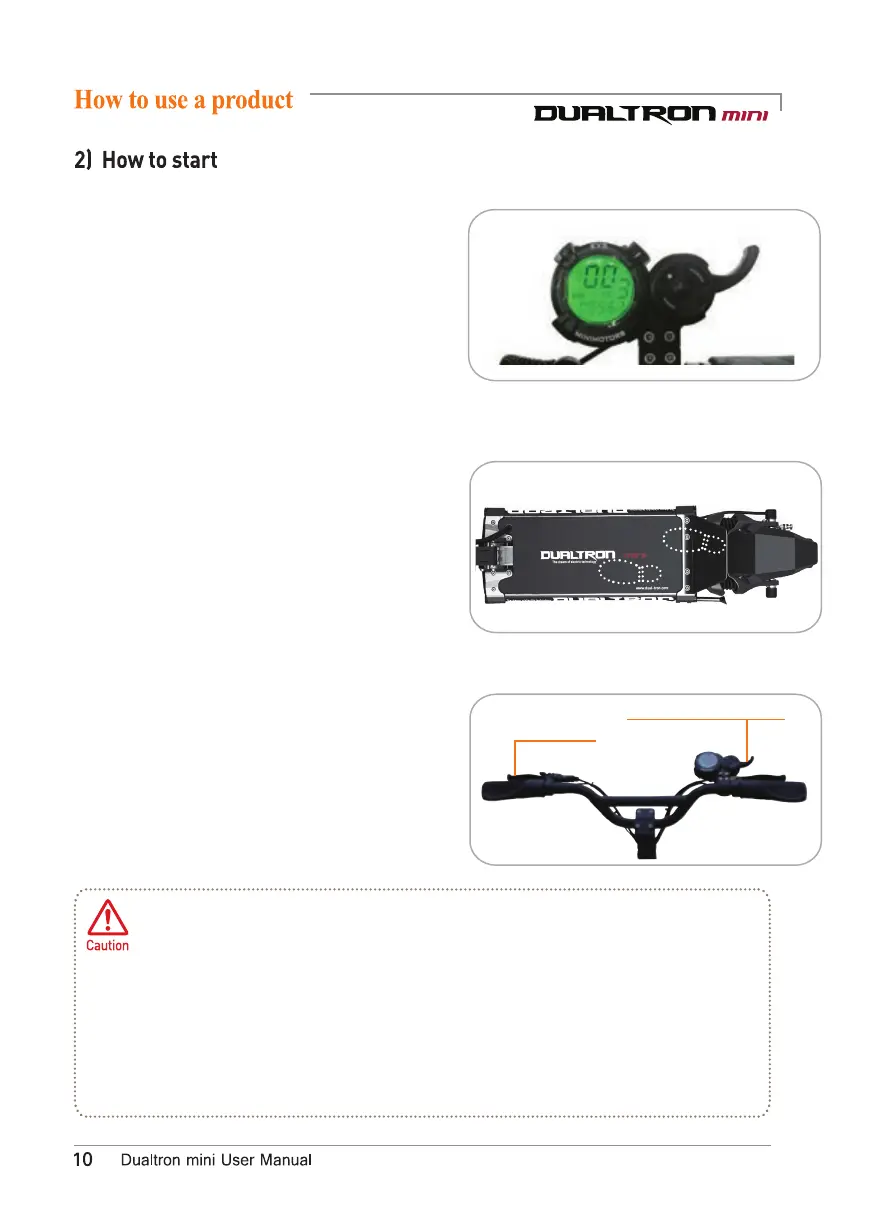
Step1. Turning on the instrument panel
Step3. A
cceleration
Before driving,be sure to check the folding part,the handle part and the part where the
main fixing part ot the product
are fastened well.And check the position of index pin and
the flding part fixing status.
Trottle maltunction caution
Regardless of whether the throttle Is operated or not. the motor sensor may continue
to operate, causing malfunctions such as sudden acceleration. In this case , holding the
brake lever to cancel the operation. This phenomenon may be caused by corrosion of
the throttle, immersion of the throttle, disconnection of the magnet, broken off levers,
and broken spring. Do not bounce the throttle lever stronqly.
Rear brake
Index finger throttle
Press the POWER button on the instrument
panel for2 seconds to turn on the instrument panel.
You can set the start mode, cruise mode, electronic
brake,and ABS function.
*The power of the instrument panel will turn off
automatically after a few minutes of inactivity.
At this time,the LED lamp is also turned off,
so turn it off with the LED lamp button before
you turn it on again.
After tilting the kickstand, find a stable position on
the footrest and then hold the handle grip comfortably.
Be careful not to raise your foot on the rear fender.
Acceleration can be pertormed by using the throttle of
the instrument panel while driving, and the deceleration
or stop can be performed by holding the brakes on the handle.


 To Next Page