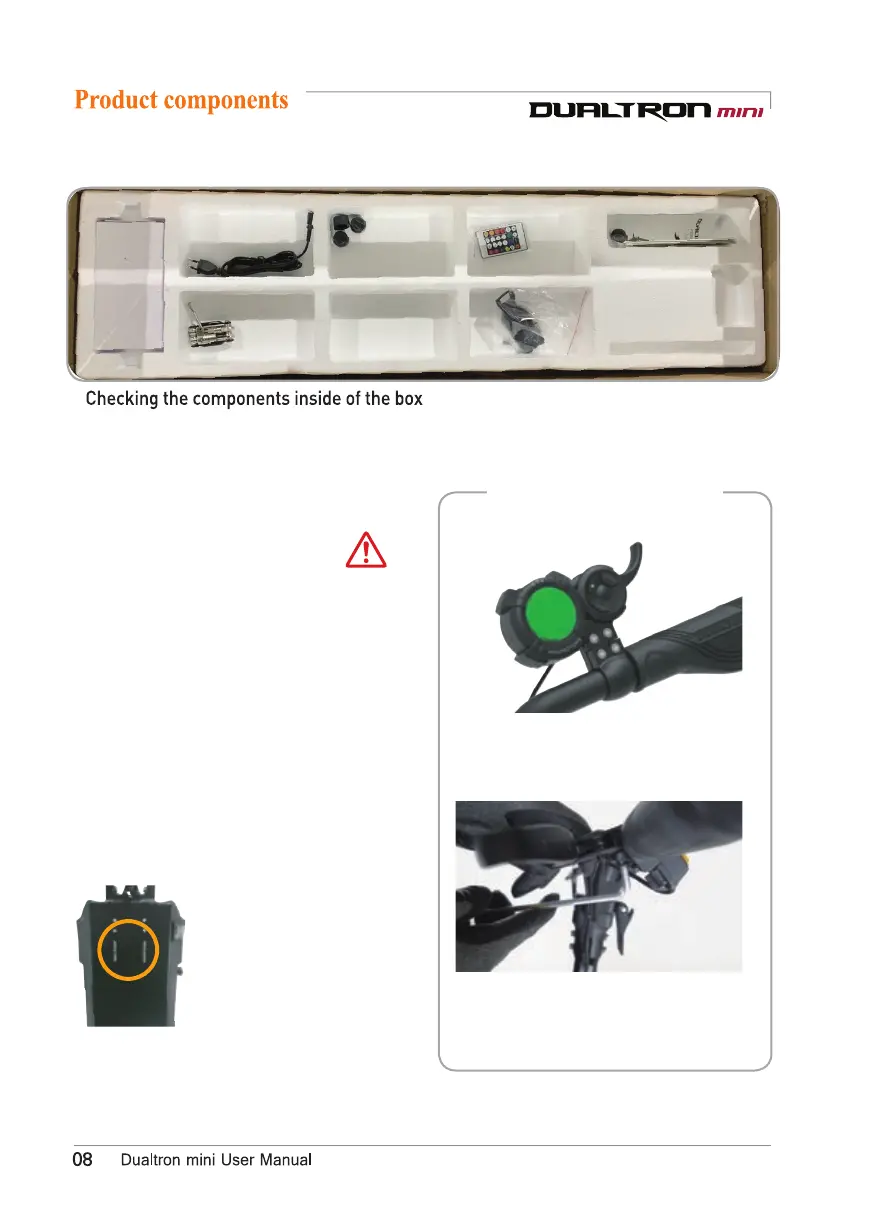
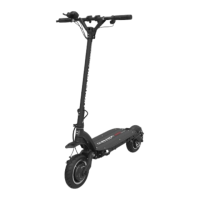
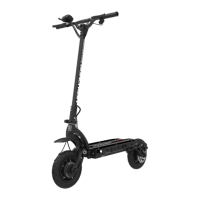
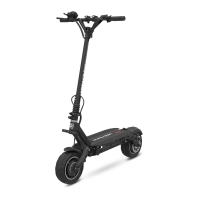
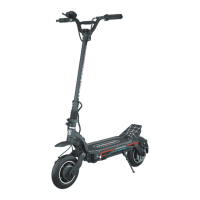
Charger plug
Charger
Nut caps
Basic tool
LED Remote control
User manual
Top : Default battery charger(2A), Default tool, User manual,Remote control
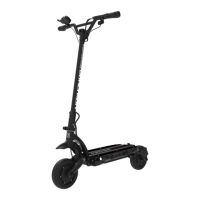
Bottom : Body(Lithum battery included)
Assembling of the instrument
panel, brake
-Locate the instrument panel and tighten
the fixing bolts.
-Adjust the position of the brake and
tighten the fixing bolts with a 5mm hexagon
wrench.
Make a note of the serial number.
The serial number can be used
to check information such as
date of purchase, warranty
period, etc., and product
information can be checked
even if the product is lost or
stolen.
(May vary depending on branch
office situation.)
Ejecting the productnumber.
Do not hold the handlebar only when lifting the
product from the box.
Please be careful that the fixing slide of the
folding part may be damaged, and a safety
accident such as a part of the body may be
caught.
Therefore, when lifting the product, it is
necessary to raise the handle bar first, and then
slowly lift the body (footrest) of the product with
both hands and do not damage the folding part
Caution


 To Next Page