DISPLAY SETTING
To change display settings, hold the and button simultaneously to enter into the
advanced settings menu. In this menu, clicking the'' ''button will toggle between each
numbered setting.
To adjust the value of each setting, click the and buttons accordingly.
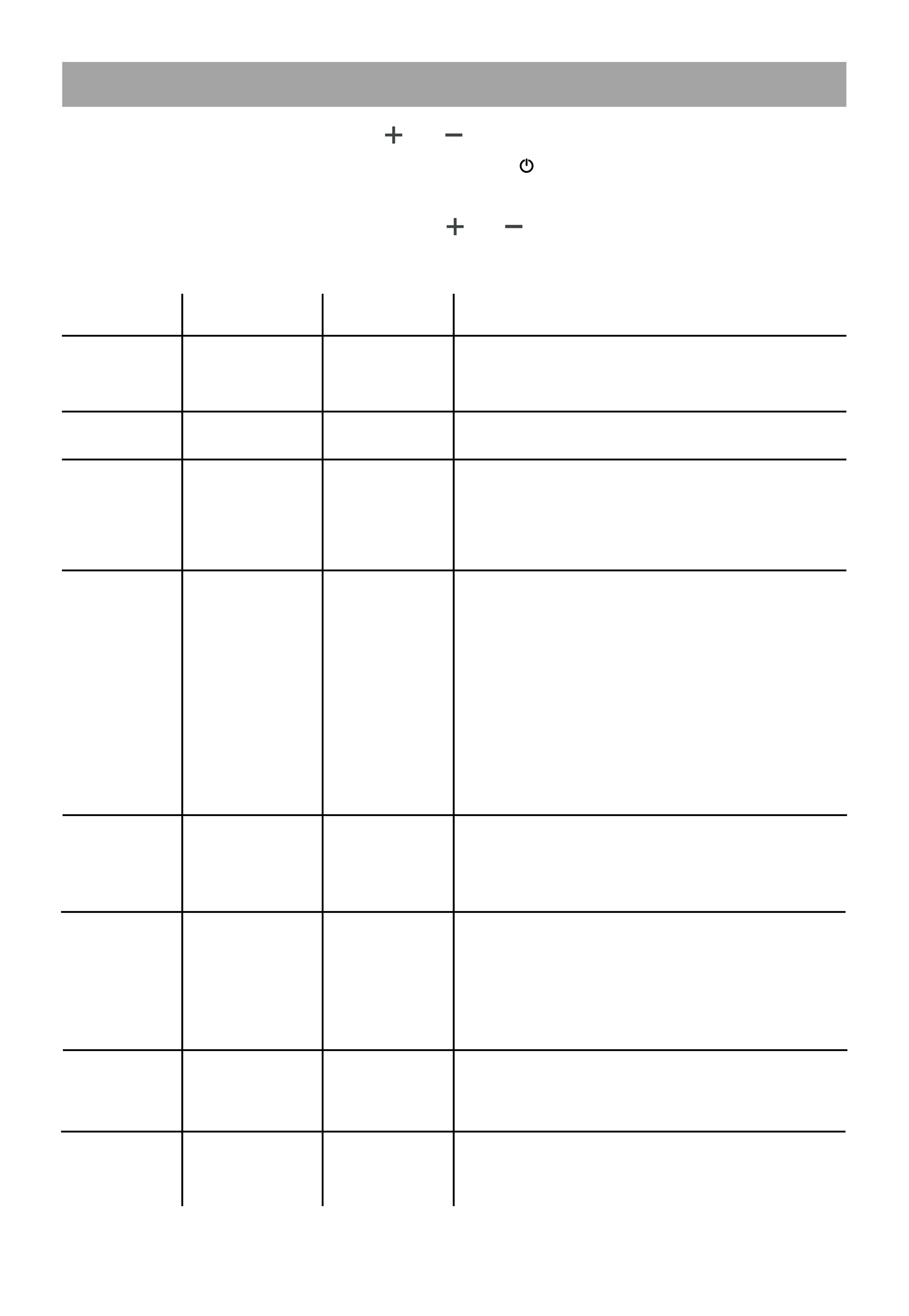
Setting Function Default Explanation
P01
Brightness
2
Backlight display brightness. The darkest level
is 1, and the brightest level is 3.
0: throttle active from a standstill.
1: throttle active only when already moving.
Long press the up button for 5 seconds to reset
ODO.
Power boost starts strength setting Range: 0-5.
Sensitivity of PAS sensor. When set to higher
numbers, it will take more crank rotations for
the motor to turn on. On lower numbers, it will
take a little crank rotation to turn on the motor.
LCD Display sleep timer. 0, no sleep; other
numbers are sleep time, range: 1-60; unit
minute.
Speed limit. The range is 0-50.
The input data here represents the maximum
operating speed of the vehicle: for example,
input 25 indicates that the maximum operating
speed of the vehicle will not exceed 25km/h;
The drive speed is maintained at this set value.
The max value allowed is 55. Anything above
this will not be recognized.Error:± 3km/h.
0:KM 1:MILE
P02
Distance Units
1
P04
Sleep time
0
P08
Speed Limit
Throttle
Zero Start
PAS
Sensitivity
ODO resetting
50
000
001
000
003
P09
P11
P12
Power boost
start strength
P16
13


 To Next Page
 Loading...