17
How to Take a Measurement
1. Ensure that the cuff is tted properly on your arm. Press the
‘START/STOP’ button to turn on the monitor. The device will
nish the whole measurement automatically.
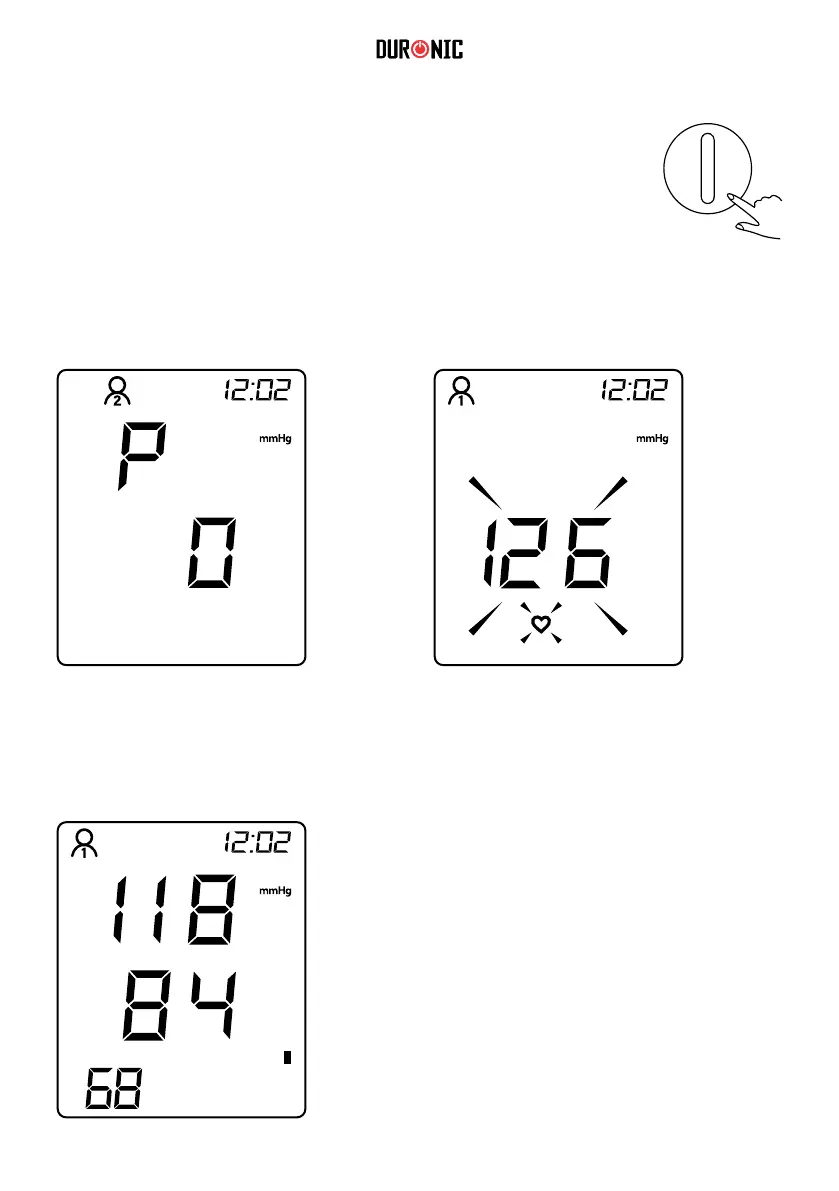
2. The cuff will inate. When fully inated the cuff can feel slightly tight or
uncomfortable. This is normal. If it is intollerable or you have any concerns,
press the ‘START/STOP’ button to stop the machine and seek professional
medical advice.
Display when cuff inates
When the pulse is detected, the screen will display the “heart” symbol and ash to
your pulse rhythm.
Display when cuff deates.
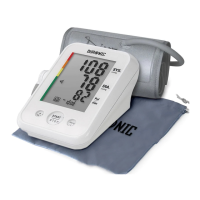
3. Your reading is nished. The screen will
continue to display the measurement results,
unless you press ‘START/STOP’ button to turn
off the machine. Otherwise, the machine will
shutdown automatically after 30 seconds.
The reading measured will save automatically.
To access and scroll through the saved readings,
press the ‘MEMORY’ button.



 To Next Page