All specifications and information are subject to changes without further notices
4
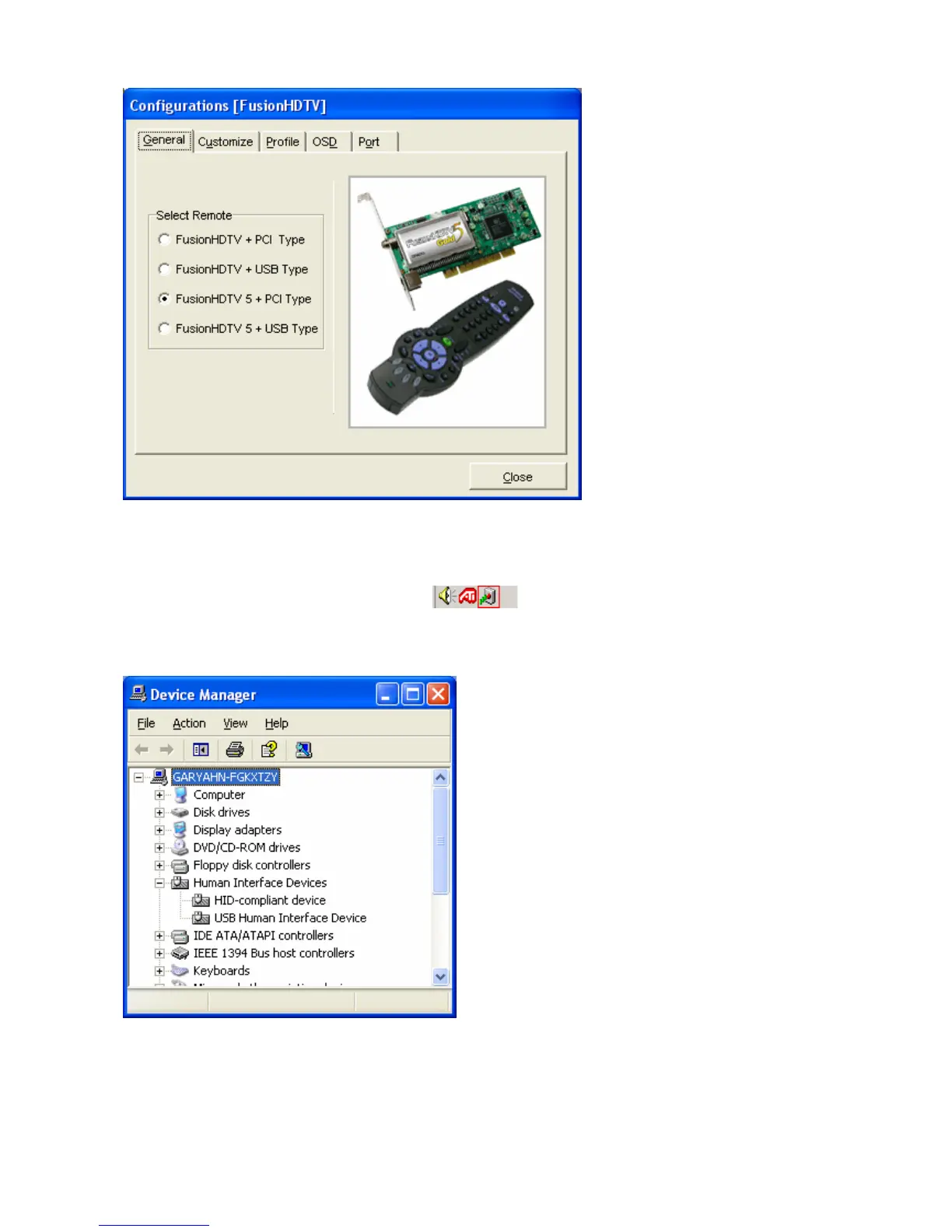
Tip Fusion Remote program will start automatically when the PC is booted. You can check the Fusion
Remote program availability at the Task Bar of Windows like the picture below.
Tip If connect Fusion Remote receiver, run Plug & Play. Right click the “My computer” icon Æ properties
Æ hardware Æ device manager to see receiver is properly installed
< Battery change>
- Use new batteries.( 2 AA size batteries are included in the package )



 To Next Page