55
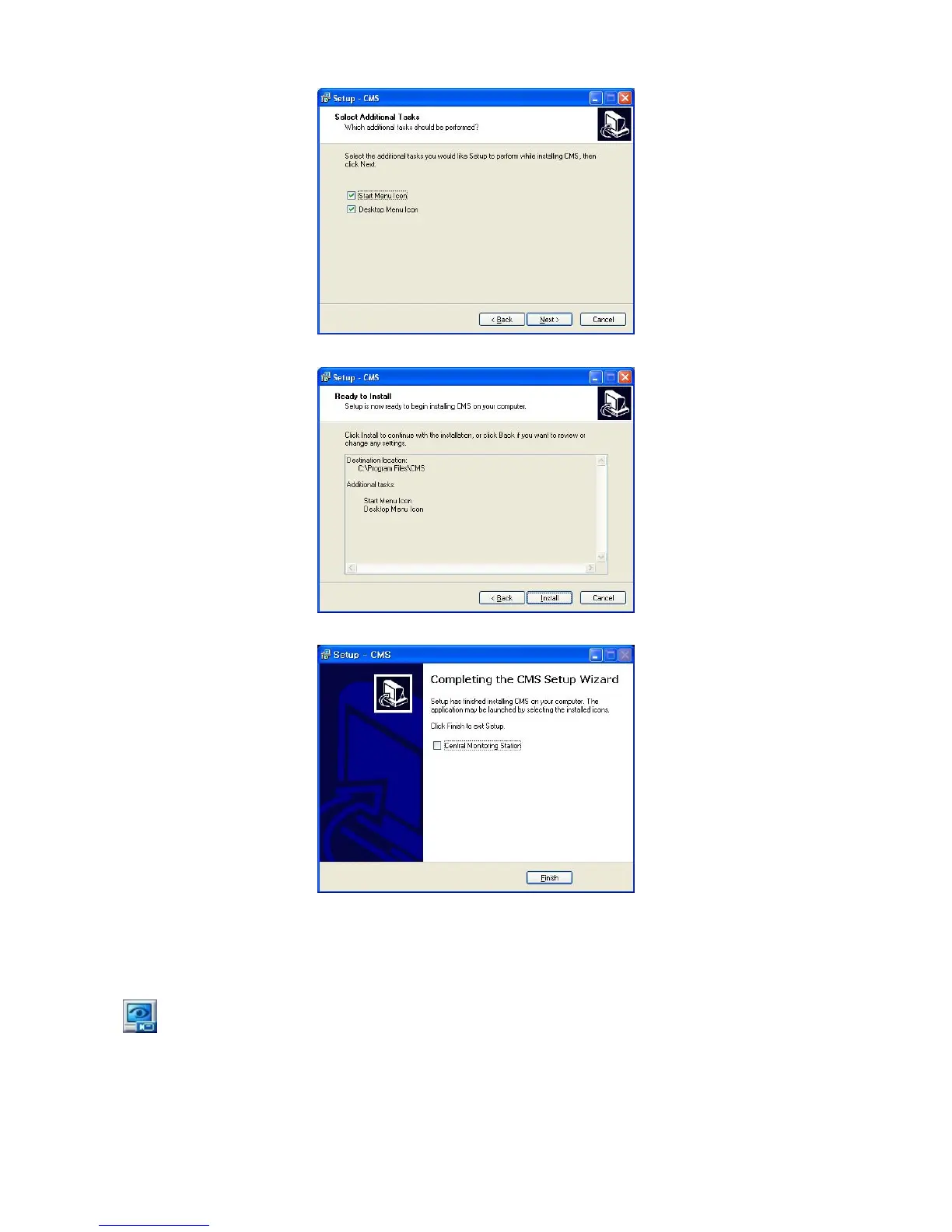
⑥ When the following screen appears, select folder and click Next.
⑦ When the following screen appears, click Install.
⑧ When the following screen appears, click Finish to complete the installation.
6.3 Login
After install CMS software, CMS icon below appears on desktop.
Please double click on the icon to execute the program.



 To Next Page