57
8. WATCH MODE
8.1 LOGIN Screen
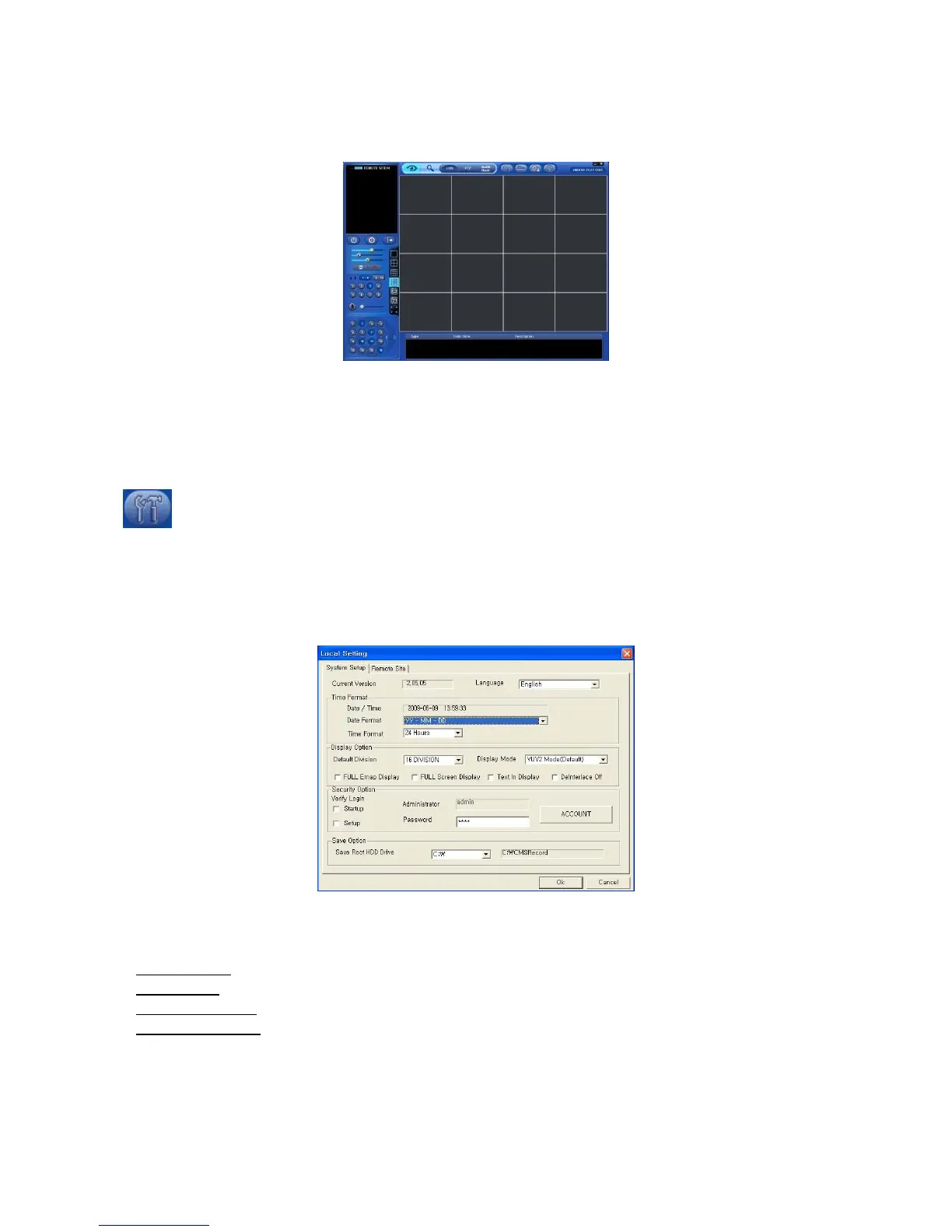
When user login CMS, the following screen will appear. This screen is of Watch mode.
Because it is not connected to DVR, images do not show.
Please do Local Setting first before connecting to DVR.
8.2 Local Setting
Please click LOCAL SETTING button of Toolbar and the following screen will appear.
This menu is for CMS (PC) and Network setup.
8.2.1 System Setup
This menu is for CMS (PC) setup.
CMS VERSION: displays current version of CMS.
Time Format: displays current time and allow user to set date and time.
Display Option:
- Default Division: default displays division.
- Display Mode:
(YUV2 Mode (Default), RGB16 Mode and RGB32 Mode).
- FULL E Map Display
: full E Map displays
- FULL Screen Display
: display in Full Screen depending on to the resolution of PC.
Security Option: Set up user’s ID, Password and attribution for login CMS.
- Click Account and will display following.
- Manager/User: allow user to authority.



 To Next Page