70
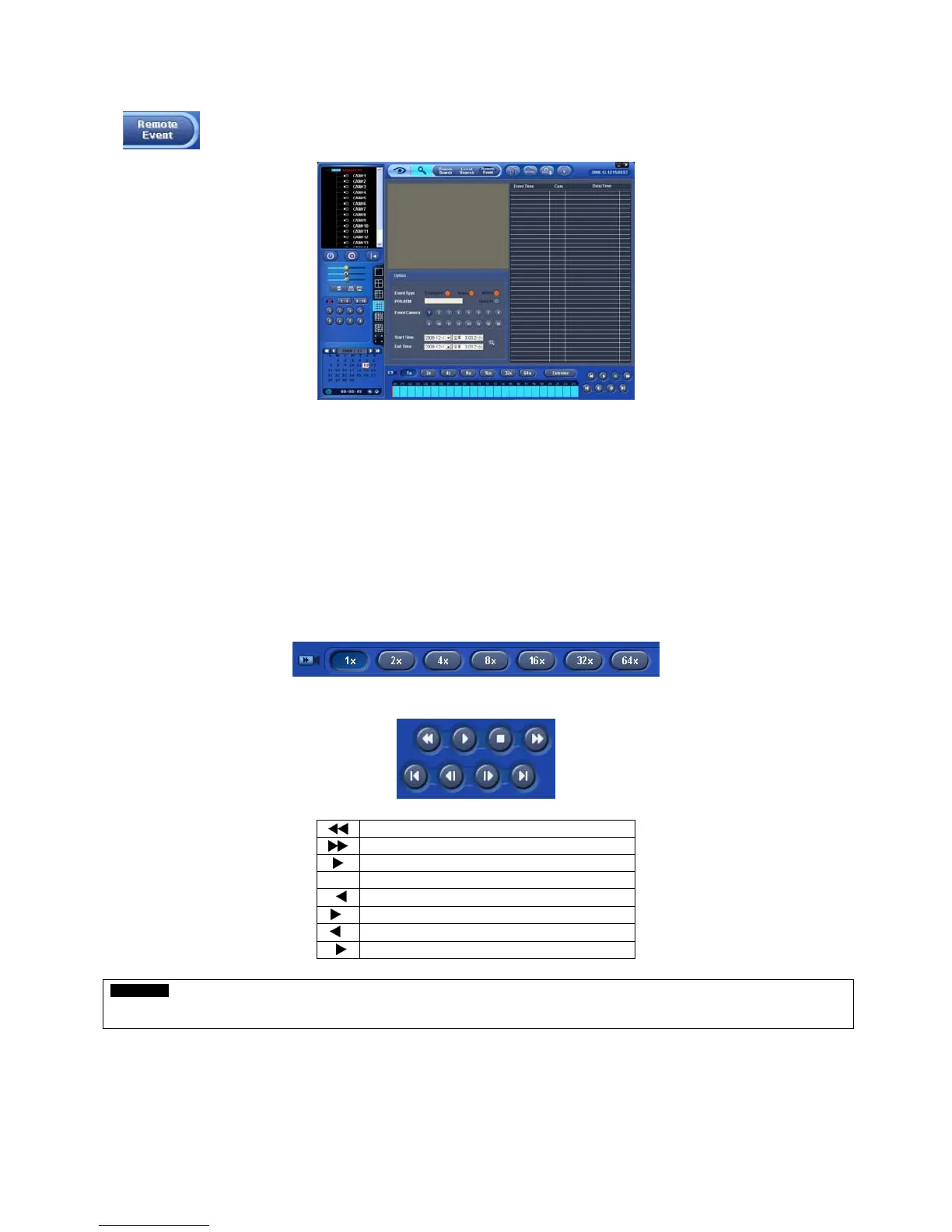
9.4 Event Search
The REMOTE SEARCH button allows user to search event recorded data of DVR.
① Designate Event Search start time.
② Designate Event Search end time.
③ Select camera (video) to search data.
④ Check a check box (Motion/Alarm In/Emergency/Serial in) Check box.
⑤ Click on Search Index button to recorded search event data.
9.5 Playback
9.5.1 Playback Control Button
Select time and click Fast Forward/Backward button.
Click button to begin playback.
Use the control buttons below while playback.
Fast Backward Play
Fast Forward Play
Play
Stop
I
Go to the First Image
I
Go to the Last Image
I
Go to the Previous Image
II
Go to the Next Image
CAUTION
Make sure that use control buttons after STOP button. For example, if you want to change from Play mode to Fast Forward Play mode, press
STOP button first, select the speed and then Fast Forward Play button. This applies equally when you use other buttons.


 To Next Page
 Loading...
