88
12.1.6 PTZ Control
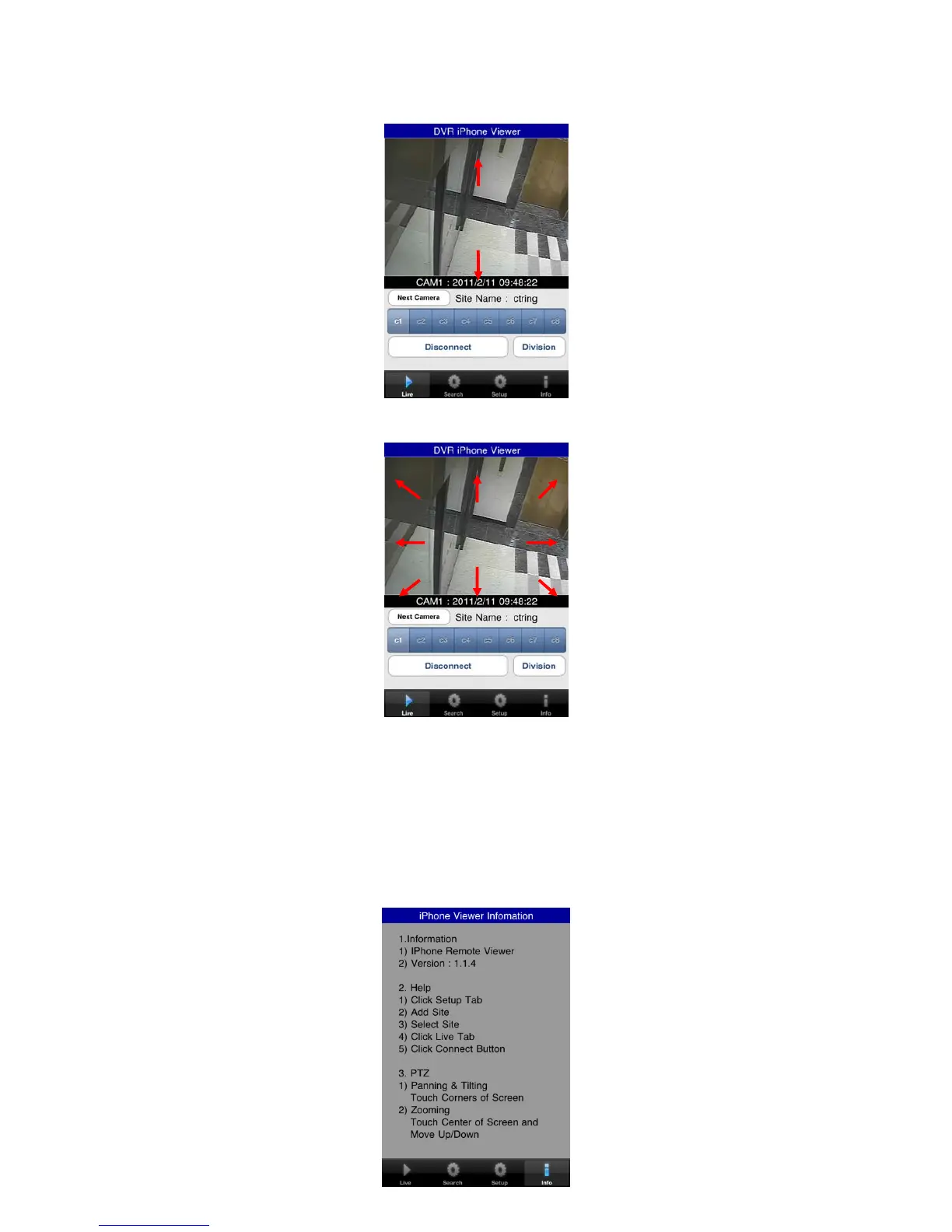
Users are able to control PTZ with iPhone by touching the screen.
Touch and drag upside on the center of the screen to zoom out.
Touch and drag downside on the center of the screen to zoom in.
Touch sides and corners of the screen to change the direction as user want.
Touch right side of the screen to move right and left side to move left.
Touch up side of the screen to move up and down side to move down.
In the same way, touch any corners to change the directions.
12.1.7 Information
Click “info 아이콘” to check the information of the application.



 To Next Page