92
Enter Admin/Stream port value.
Enter ID/Password.
Click “
” to save the setting.
12.2.4 Connection
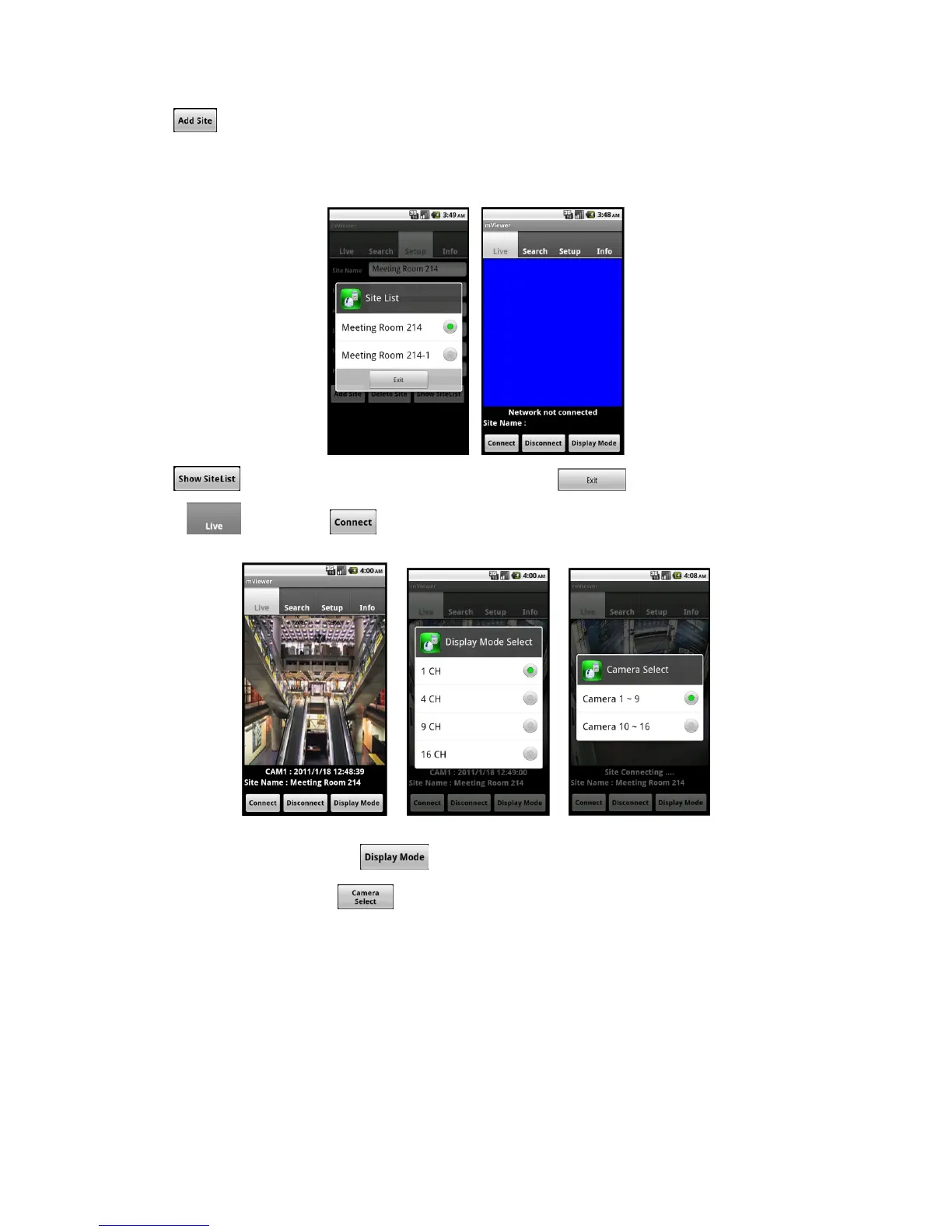
Click “
” icon and select one of the registered site and click “ ”.
Move to “
” tab and click “ ” icon.
To change the display mode, click the “
” and select among 1ch (full screen), 4ch, 9ch and 16ch multi view.
To select other channels, click the “
” icon below the Site Name.
16 channel multi view is available for CIF resolution.
4 channel multi view is available for H.D1 and D1 resolution.
Only 1 channel view(full screen) is available for 720p and 1080p.
12.2.5 Search



 To Next Page