106
12.5 Windows Mobile
12.5.1 System Requirements
OS : Windows Mobile Professional 6.1 or higher version.
Memory : 512Kb or Higher.
Device : Smartphone
Network : Available all wireless networking method. I.e. Wi-fi, HSDPA, Wibro.
12.5.2 Installation
Prepare ActiveSync program to user’s PC.
- Available download at following link.
- http://www.microsoft.com/downloads/details.aspx?FamilyID=9e641c34-6f7f-404d-a04b-dc09f8141141&DisplayLang=en
- ActiveSync enable users manage documents, calendars, contact lists and email between their PC and mobile device
through a Cradle or a USB connection.
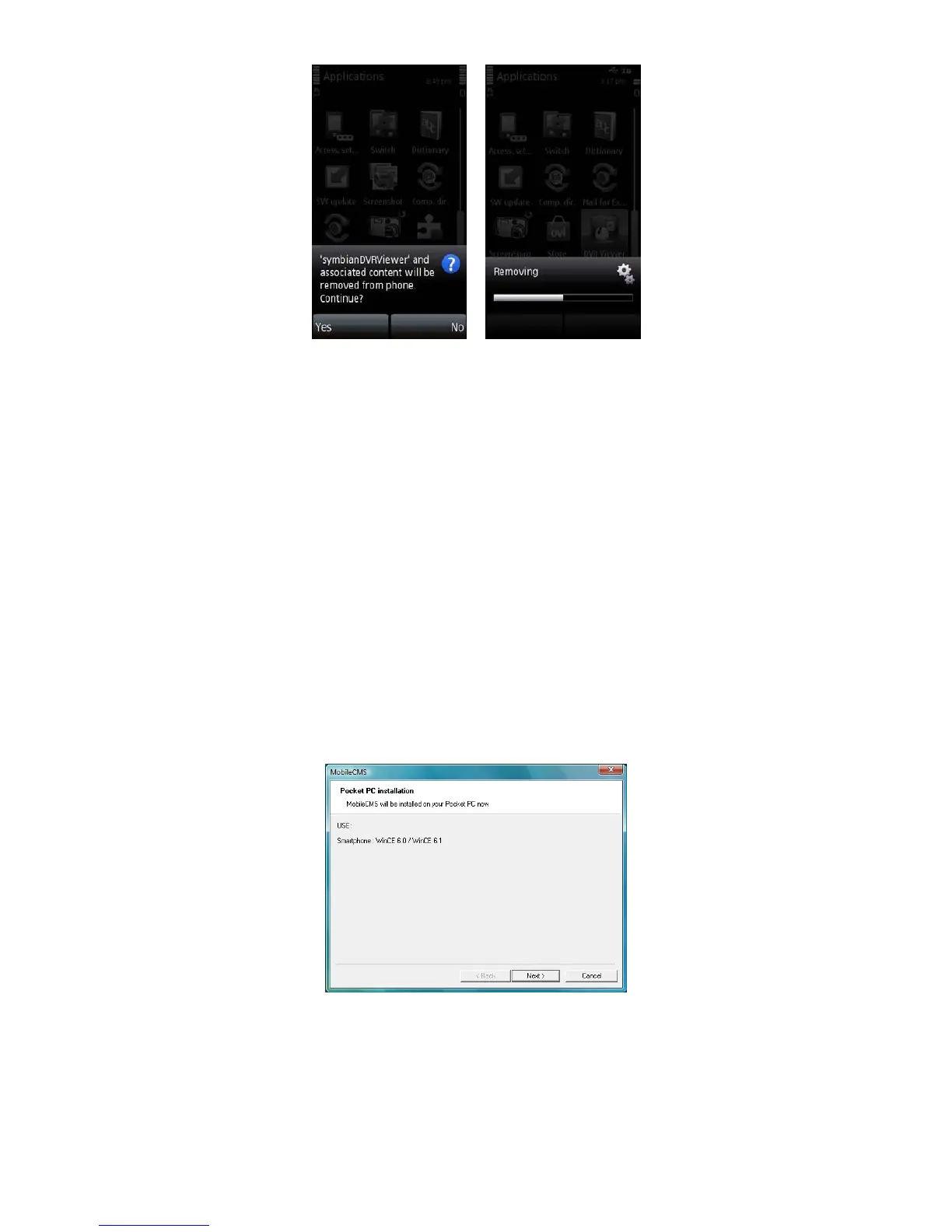
Connect mobile device to PC then double click “Setup_MobileCOM.exe” to start installation.
The following screen will appear:
Click “Next” button.



 To Next Page